Installing in Windows 98 and 95 Networks (KYOCERA Monitor)
3-18 Print Server Installation Manual
4. Select 'Other.'
5. Select 'KYOCERA Monitor' from the list.
6. Click 'OK' to confirm.
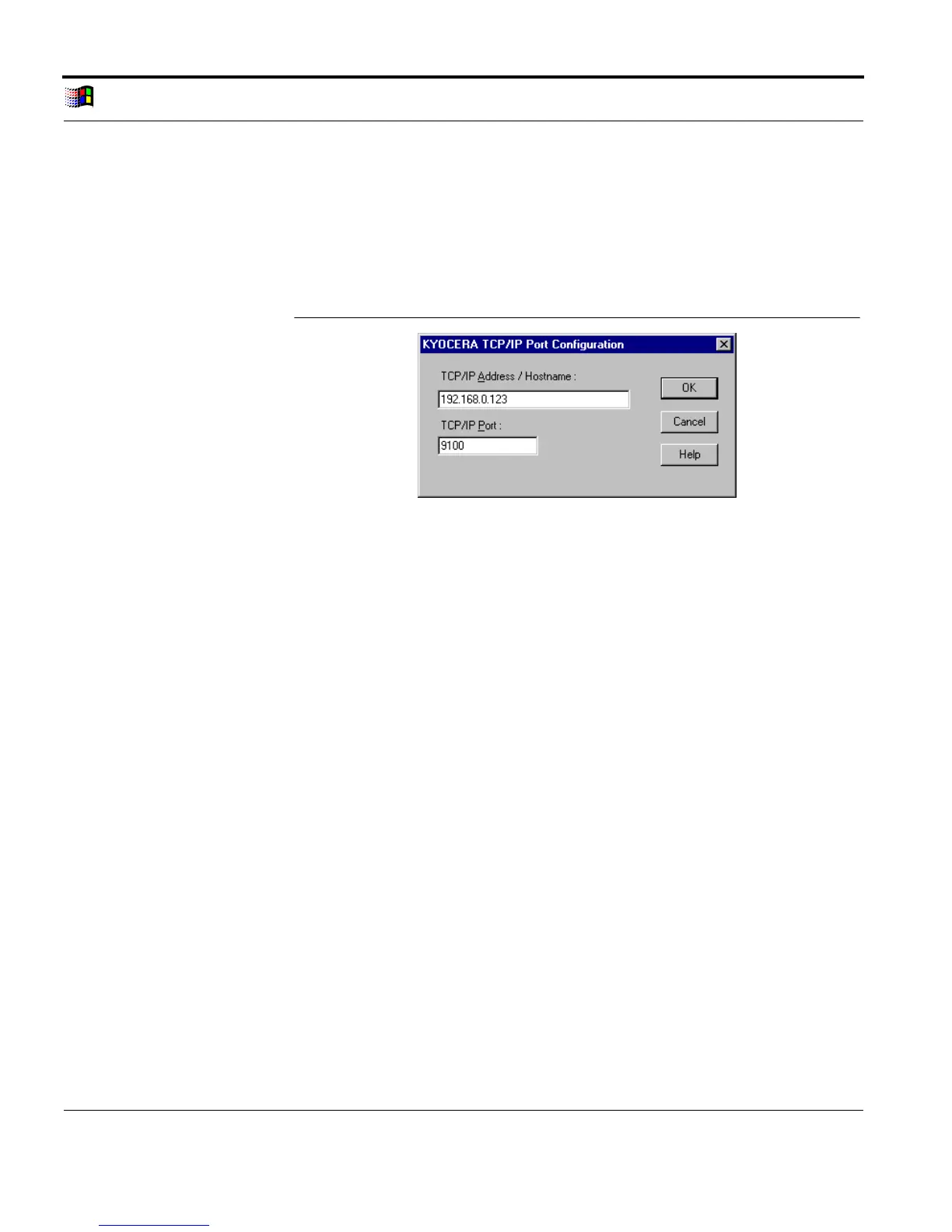
The following window appears:
Enter IP Address
Fig. 3-8: TCP/IP Port Configuration for KYOCERA Monitor
7. Enter the IP address or the host name of the print server into
the 'TCP/IP Address / Hostname' box.
8. Enter the TCP/IP port number (9100 - 2900) into the 'TCP/IP
Port' box. If no number has been entered, all print data is
automatically routed to the printer via TCP/IP port 9100.
9. Click 'OK' to confirm.



 To Next Page