Installing in Windows 98 and 95 Networks (KYOCERA Monitor)
Print Server Installation Manual 3-13
2. Double click 'Network.'
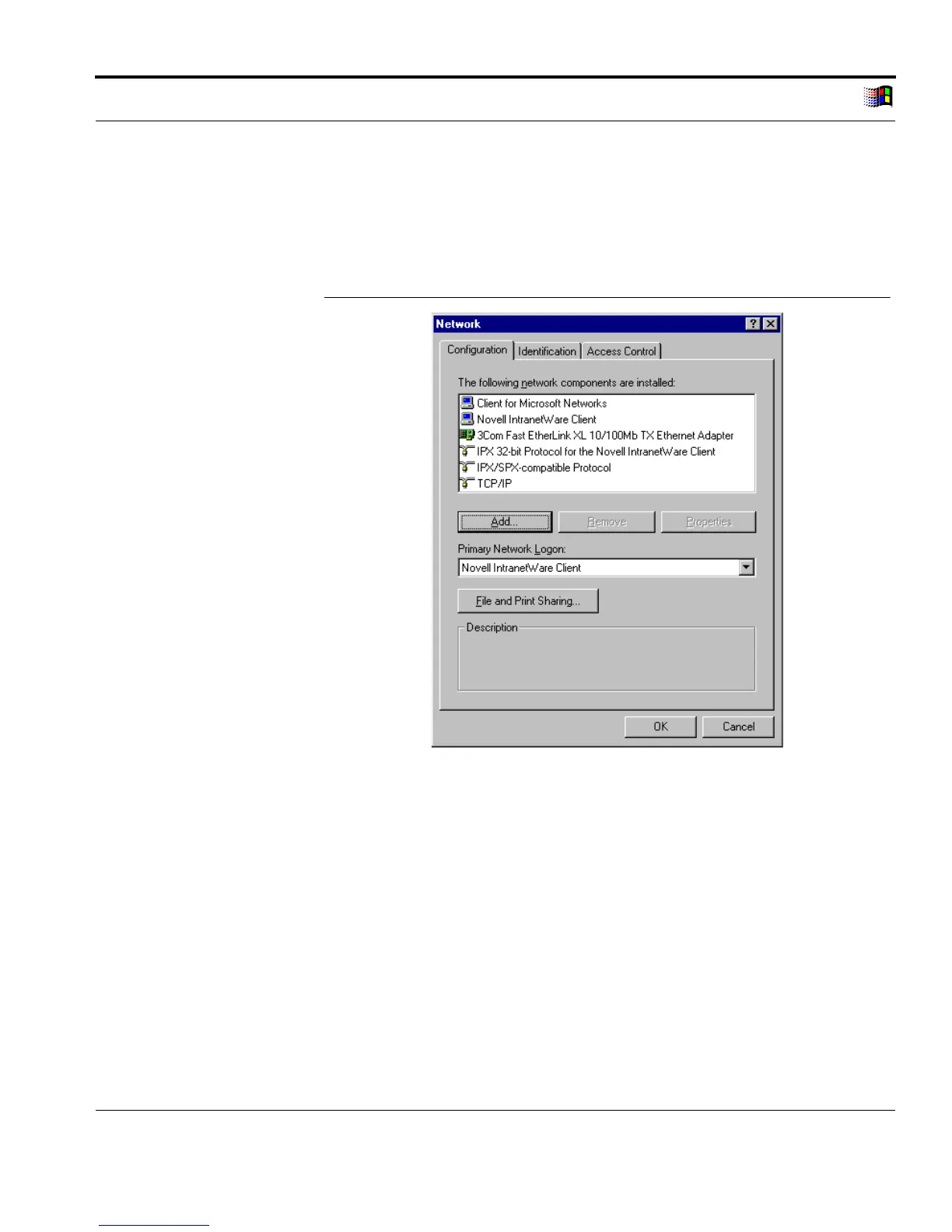
3. Select the 'Configuration' tab.
The following window appears:
'Configuration' Tab
Fig. 3-4: 'Configuration' tab
4. Click 'Add...'
5. Select 'Protocols.'
6. Click 'Add...'
The following window appears:



 To Next Page