Creating a Device Description
Print Server Installation Manual 6-5
6.2.2. Creating a Device Description
A device description may be created using the CRTDEVPRT
command. Depending on the AS/400 system, the handling may
slightly differ from the following description.
Procedure Proceed as follows:
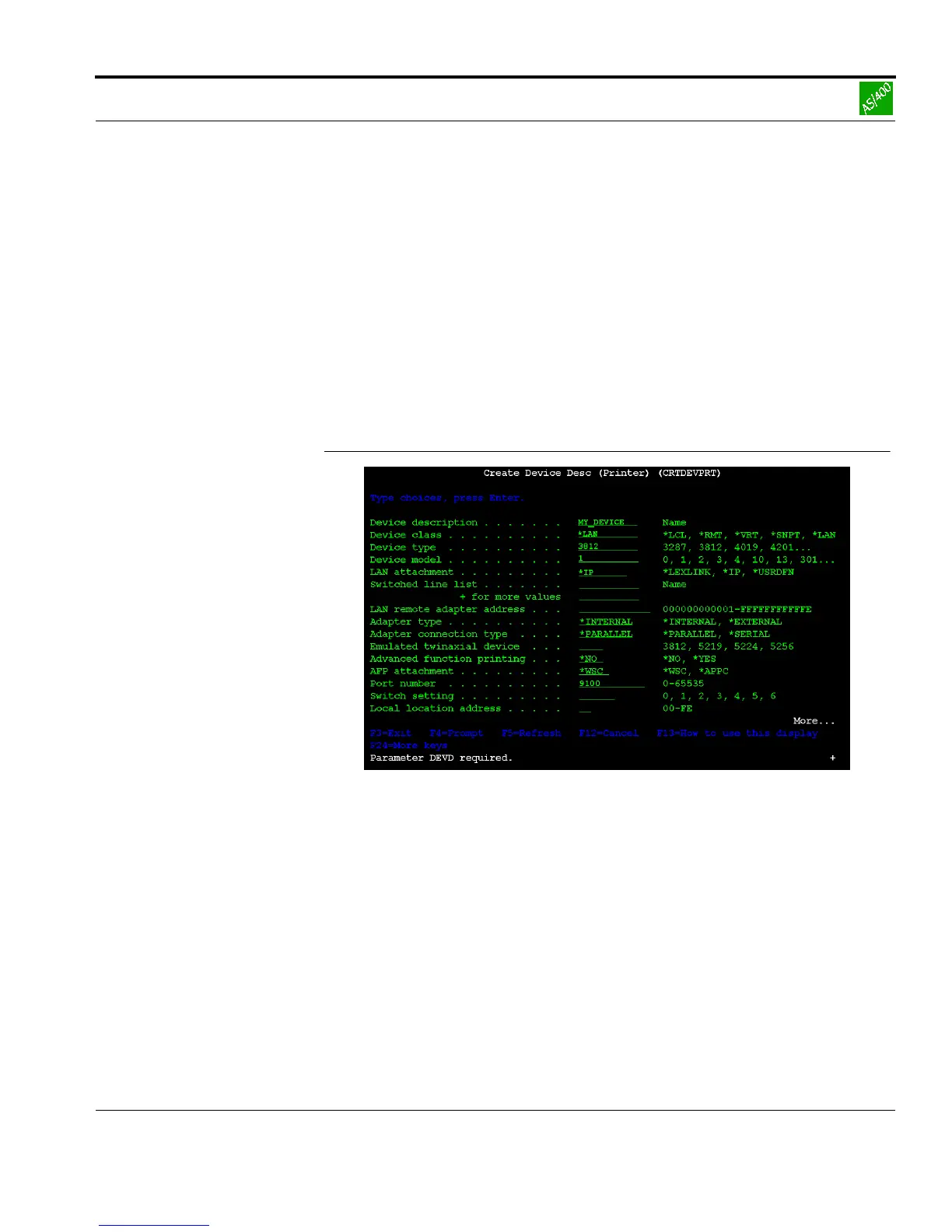
1. Enter the CRTDEVPRT command at the system console.
The following window appears:
Fig. 6-1: 'Create Device Description' window
2. Press F9 and F10 to display all configuration parameters.
3. To display the keywords, press F11.
4. Enter the following parameters into the mask:
DEVD <arbitrary name> e.g. MY_DEVICE
DEVCLS *LAN
TYPE 3812
MODEL 1



 To Next Page