Installing in Windows NT 4.0 Networks
3-20 Print Server Installation Manual
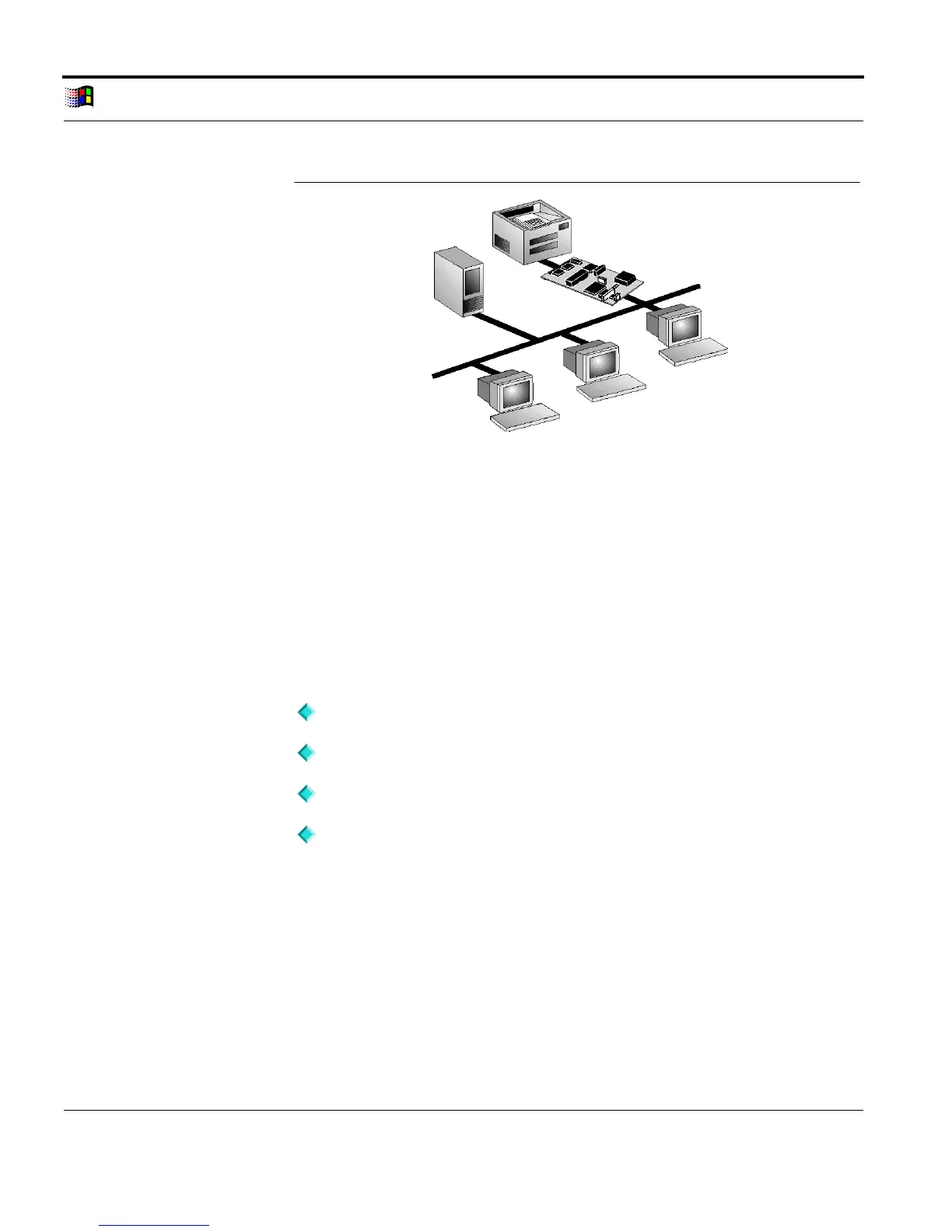
Server-Based
Network
Fig. 3-9: Server-based network with print server
What Happens
During Installation?
In order to install the print server in Windows NT 4.0 networks,
you must first install the TCP/IP protocol and the TCP/IP print
services.
By the configuration of the LPR ports, the LPD protocol will
automatically be used for printing.
Procedure The installation involves the following steps:
Installing the TCP/IP Protocol
Saving the IP Address in the Print Server
Installing the Microsoft TCP/IP Print Services
Setting Up the Printer and Configuring the LPR Port
3.5.1. Installing the TCP/IP Protocol
In order to be able to use your print server in a Windows NT 4.0
network, you must first install the TCP/IP protocol into the NT



 To Next Page