Installing in NetWare 5/4 Networks in Remote Printer Mode
Print Server Installation Manual 2-17
Procedure Proceed as follows:
1. Start the KyoNetCon.
2. Double-click on the print server in the print server list.
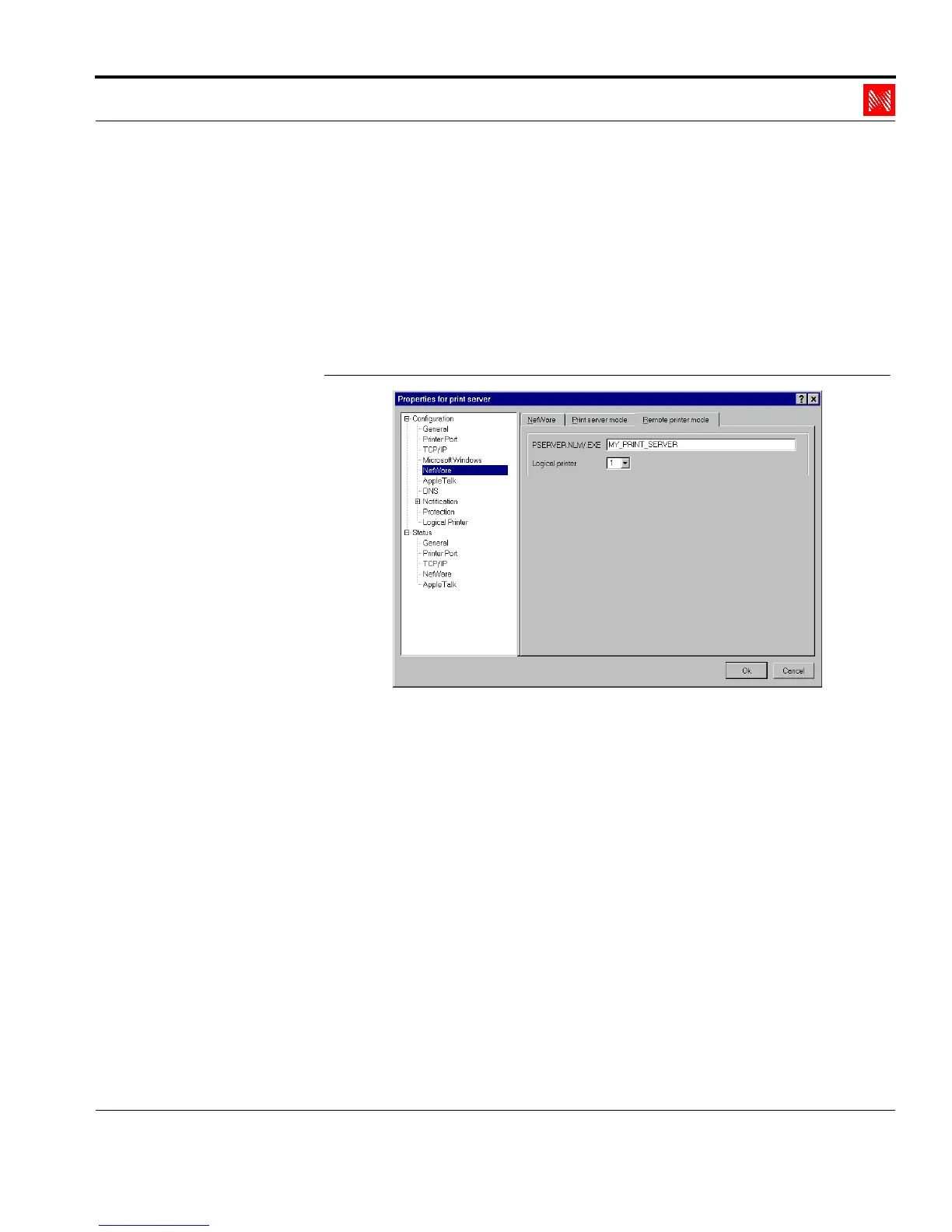
3. Select 'NetWare' in the left frame.
4. Select the 'Remote printer mode' tab.
The following window appears:
Fig. 2-9: Enter the PSERVER name
5. Enter the name of the print server in the
'PSERVER.NLM/.EXE' box.
Example: MY_PRINT_SERVER
6. If necessary, select a logical printer in the 'Logical printer' box.
7. Click 'OK' to confirm.
2.3.3. Starting the PSERVER on the File Server
During the last step, the Novell print server must be set up on the
file server in the PSERVER module in order to transfer the print



 To Next Page