Installing in Novell NetWare 3.x Networks in Remote Printer Mode
2-46 Print Server Installation Manual
7. Press ESC to return to the main menu.
2.6.2. Installing the Novell PSERVER
In the next step, the Novell PSERVER must be installed on the file
server.
Procedure Proceed as follows:
1. Select 'Print Server Information.'
The 'Print Servers' window appears.
2. Press INS.
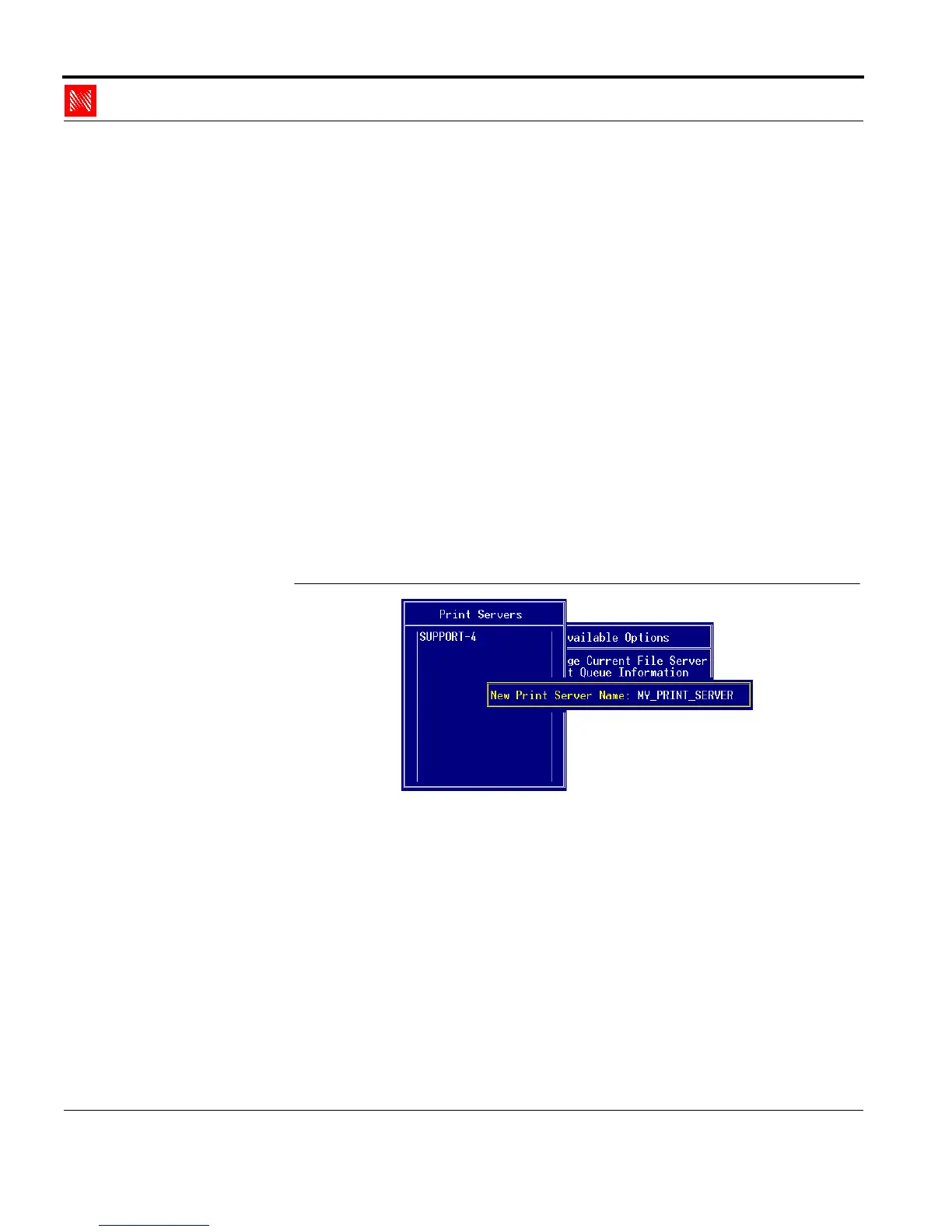
The following window appears:
Enter Print Server
Fig. 2-36: 'New Print Server Name' window
3. Enter a PSERVER name into the 'New Print Server Name'
window.
Example: MY_PRINT_SERVER
4. Press ENTER to save the changes.



 To Next Page