Installing in Novell NetWare 3.x Networks in Remote Printer Mode
Print Server Installation Manual 2-49
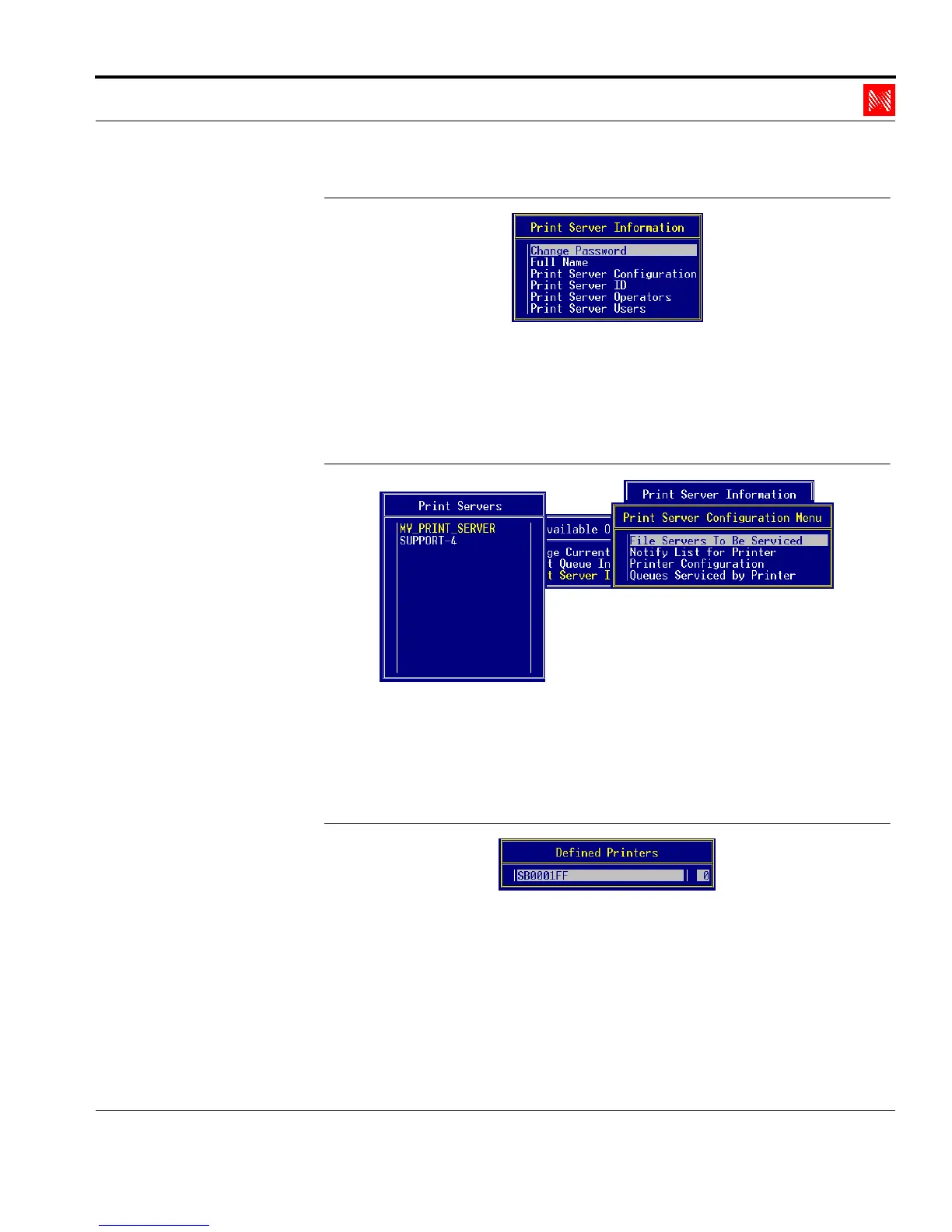
Fig. 2-40: 'Print Server Information' window
2. Select 'Print Server Configuration.'
The following window appears:
Print Server
Configuration
Fig. 2-41: 'Print Server Configuration Menu' window
3. Select 'Queues Serviced by Printer.'
The following window appears:
Select Printer
Fig. 2-42: 'Defined Printers' window
4. Select the new remote printer.
5. Press ENTER.
The following window appears:



 To Next Page