Creating an Output Queue
Print Server Installation Manual 6-13
6.3.3. Using the Output Queue
Procedure Proceed as follows:
1. Enter the STRRMTWTR command at the system console:
Syntax: STRRMTWTR <Name of the queue>
Example: STRRMTWTR MY_QUEUE
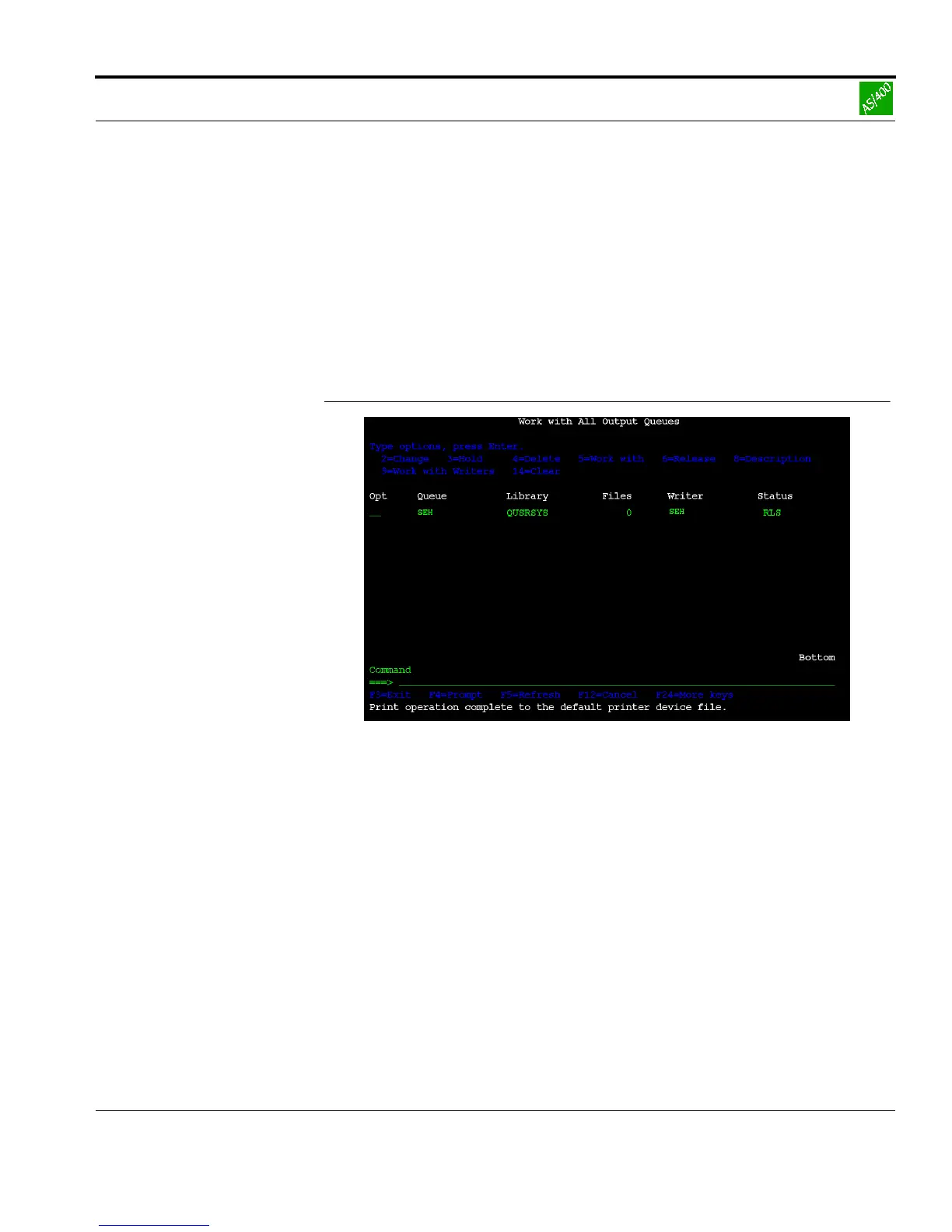
The following window appears:
Fig. 6-9: 'Work with All Output Queues' window
2. Check whether the status of the output queue is RLS.
The installation has been completed successfully.



 To Next Page