Installing in Windows NT 4.0 Networks
3-26 Print Server Installation Manual
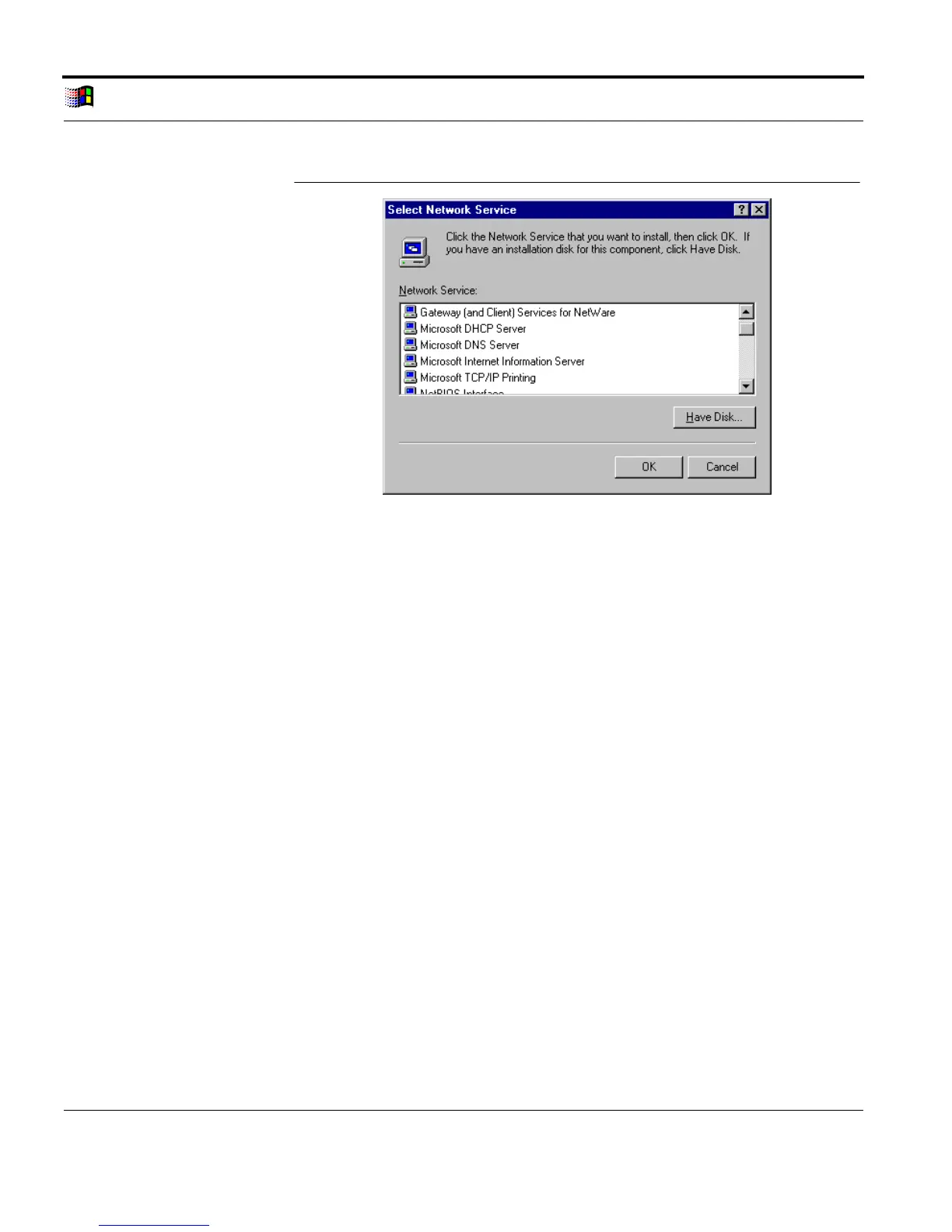
Select Network
Service
Fig. 3-14: 'Select Network Service' window
5. Select 'Microsoft TCP/IP Printing.'
6. Click 'OK' to confirm.
7. Follow the instructions of the installation routine.
The 'Services' tab appears after the installation routine has
been completed.
8. Click 'Close.'
3.5.4. Setting Up the Printer and Configuring the LPR Port
You must set up your printer as a printer managed by your
computer under and not as a network printer server. Select the
LPR port as the printer port. The different logical printers (lp1 -
lp8) can be addressed via the LPR port. Please read the "Logical
Printer" section on page 1-3 if necessary.



 To Next Page