Installing in Windows NT 4.0 Networks
3-28 Print Server Installation Manual
Do not select 'Network Printer Server' under any circumstances
because your print server may no longer be properly installed as a
result.
3. Click 'Next >.'
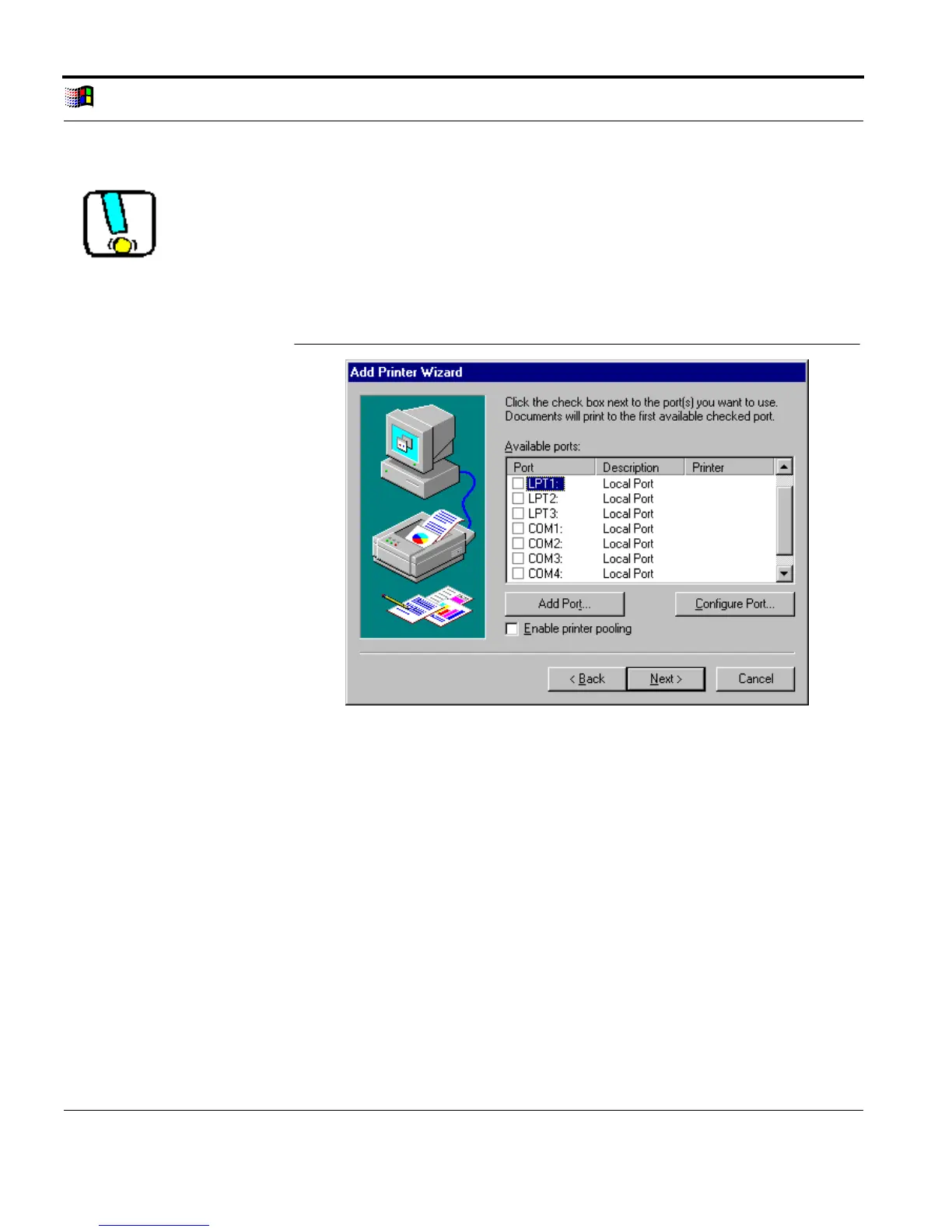
The following window appears:
Add Port
Fig. 3-16: Add Printer Wizard: Available Ports
4. Click 'Add Port...'
The following window appears:



 To Next Page