Installing in Windows NT 4.0 Networks
Print Server Installation Manual 3-23
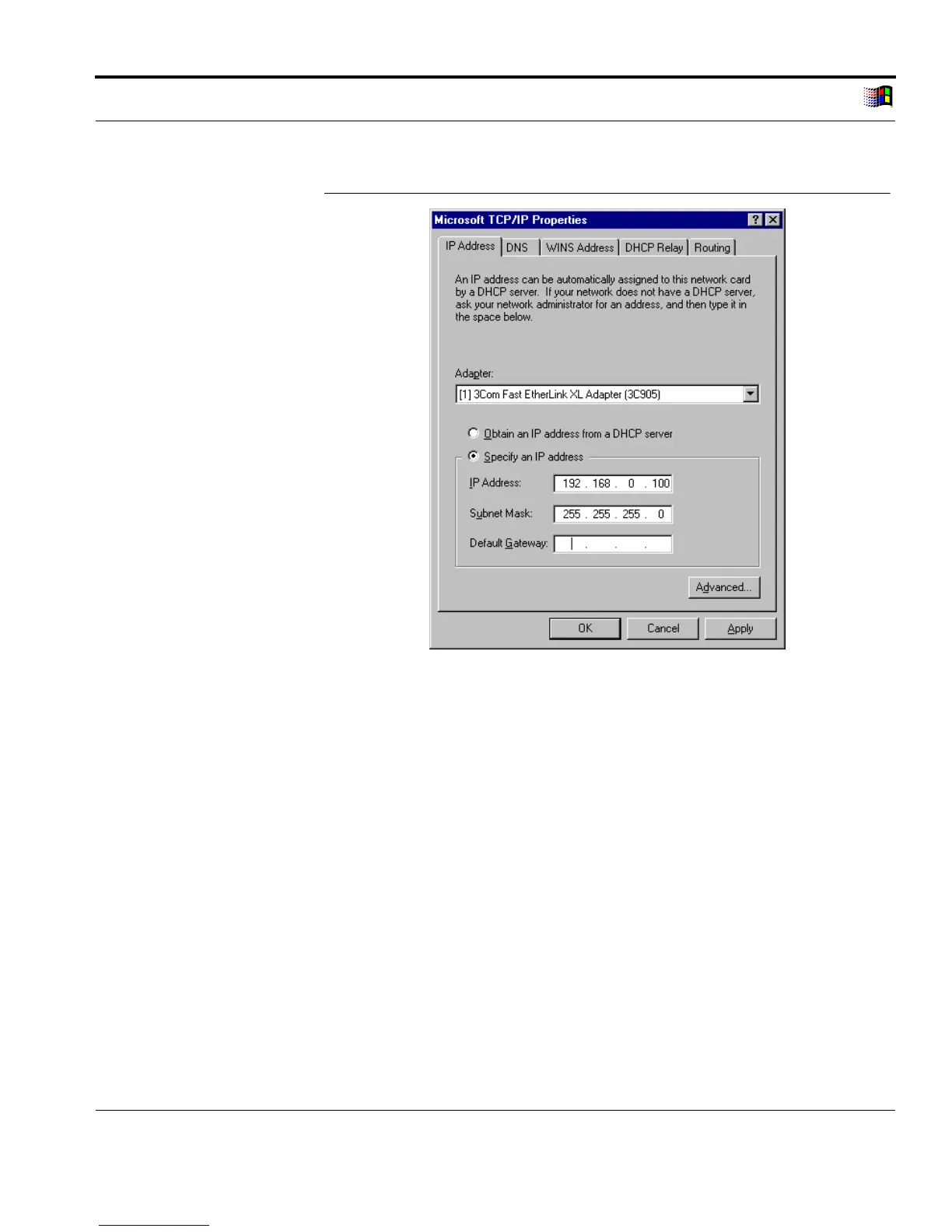
Enter IP Address
Fig. 3-12: 'Microsoft TCP/IP Properties' window
9. Enter the IP address of the computer into the 'IP Address' box.
10. Enter the subnet mask into the 'Subnet Mask' box if required.
11. Enter the IP address of the gateway into the 'Default Gateway'
box if required.
12. Click 'OK' to confirm.
3.5.2. Saving the IP Address in the Print Server
With all KYOCERA printers with the exception of the FS-400,
FS-600, FS-680, FS-1000, and some of the elder models, you can



 To Next Page