Installing in Windows NT 4.0 Networks
Print Server Installation Manual 3-21
server. If TCP/IP has already been installed, you may skip to the
"Saving the IP Address in the Print Server" section on page 3-23.
Procedure Please proceed as follows:
1. Select 'Control Panel' on the 'Start' menu.
2. Double click 'Network.'
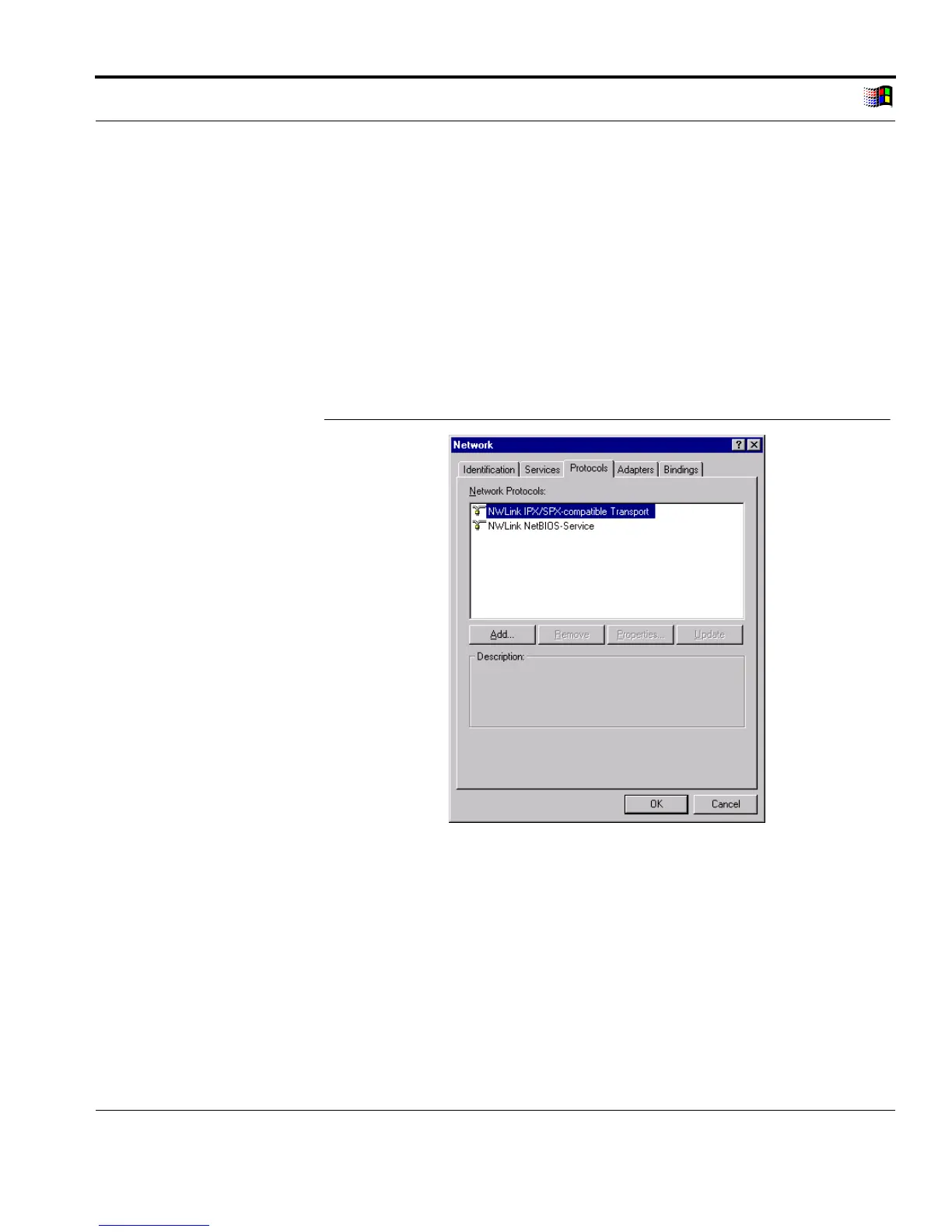
3. Select the 'Protocols' tab.
The following window appears:
Fig. 3-10: 'Protocols' tab
4. Click 'Add...'
The following window appears:



 To Next Page