Installing in NetWare 5 Networks with NDPS Gateways
Print Server Installation Manual 2-27
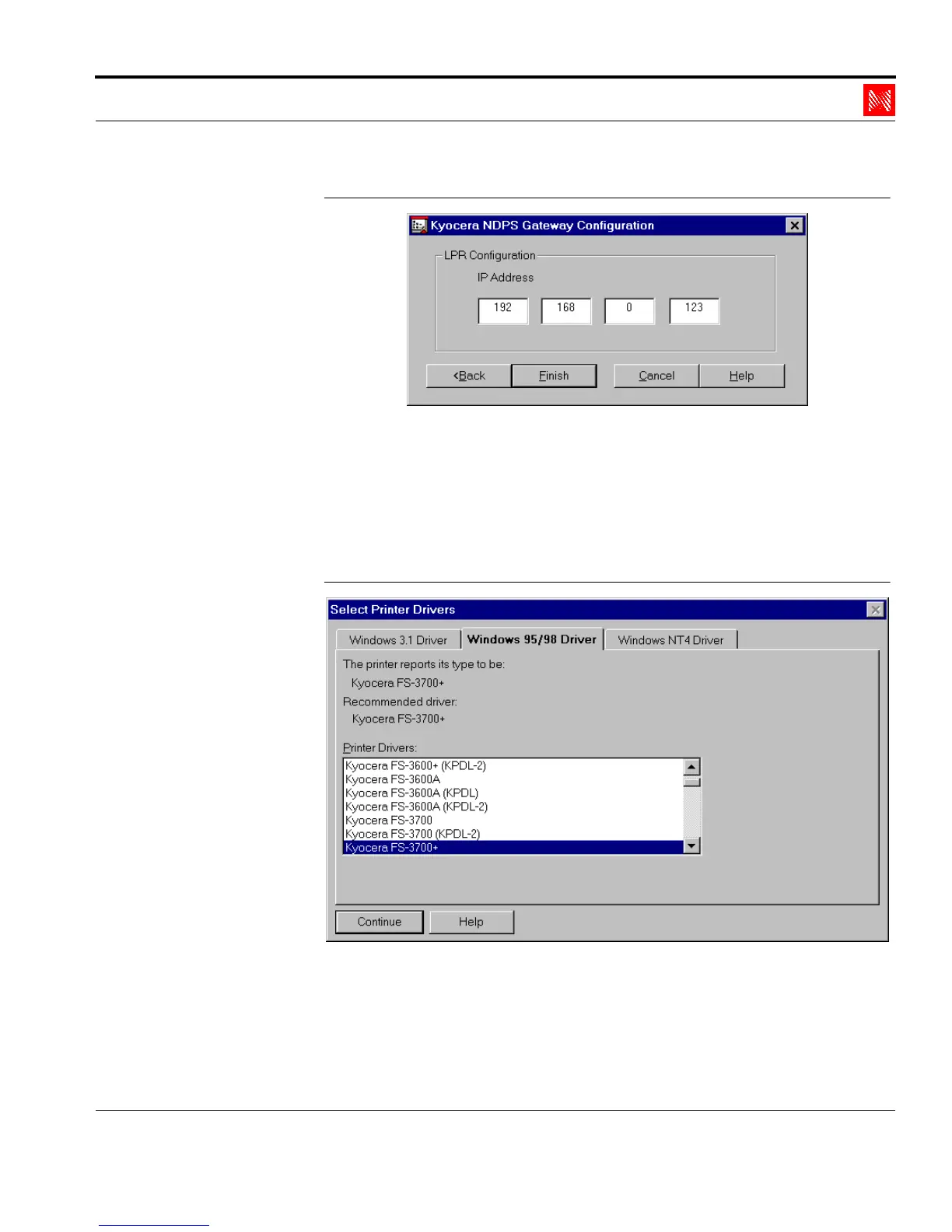
Fig. 2-16: Enter IP address
9. Enter the IP address of the print server in the 'IP address' box.
10. Click 'Finish.'
11. Click 'OK' to confirm.
The following window appears:
Fig. 2-17: Window 'Select Printer Drivers'
12. Select the tab for your operating system.
13. Select the printer driver for your printer.



 To Next Page