Installing in Novell NetWare 3.x Networks in Remote Printer Mode
2-50 Print Server Installation Manual
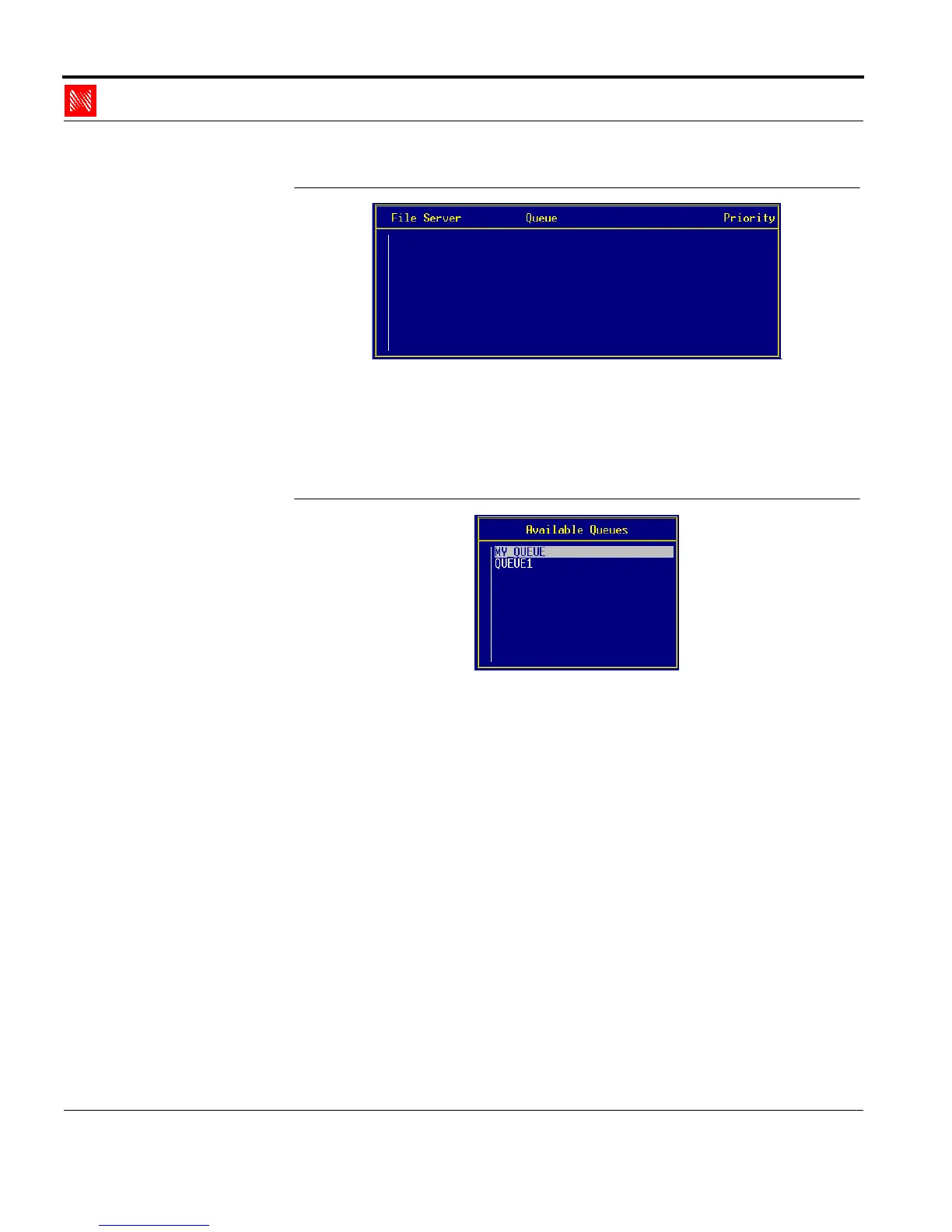
Fig. 2-43: 'File Server, Queue, and Priority' window
6. Press INS.
The following window appears:
Select Print Queue
Fig. 2-44: 'Available Queues' window
7. Select a new print queue.
8. Enter the priority of the print queue.
9. Press ESC repeatedly to close PCONSOLE.
2.6.5. Configuring the KYOCERA-PrintServer
The PSERVER name, which you can enter using PCONSOLE,
must be configured on your KYOCERA-PrintServer so that status
messages can be sent from the print server to the file server. This
can be done using the print server homepage, the KyoNetCon, or



 To Next Page