Installing in Novell NetWare 3.x Networks in Print Server Mode
2-40 Print Server Installation Manual
2.5.2. Installing a Print Queue
A print queue must be installed on the file server used for
collecting print jobs and routing them to the print server.
Procedure Proceed as follows:
1. Select 'Print Queue Information.'
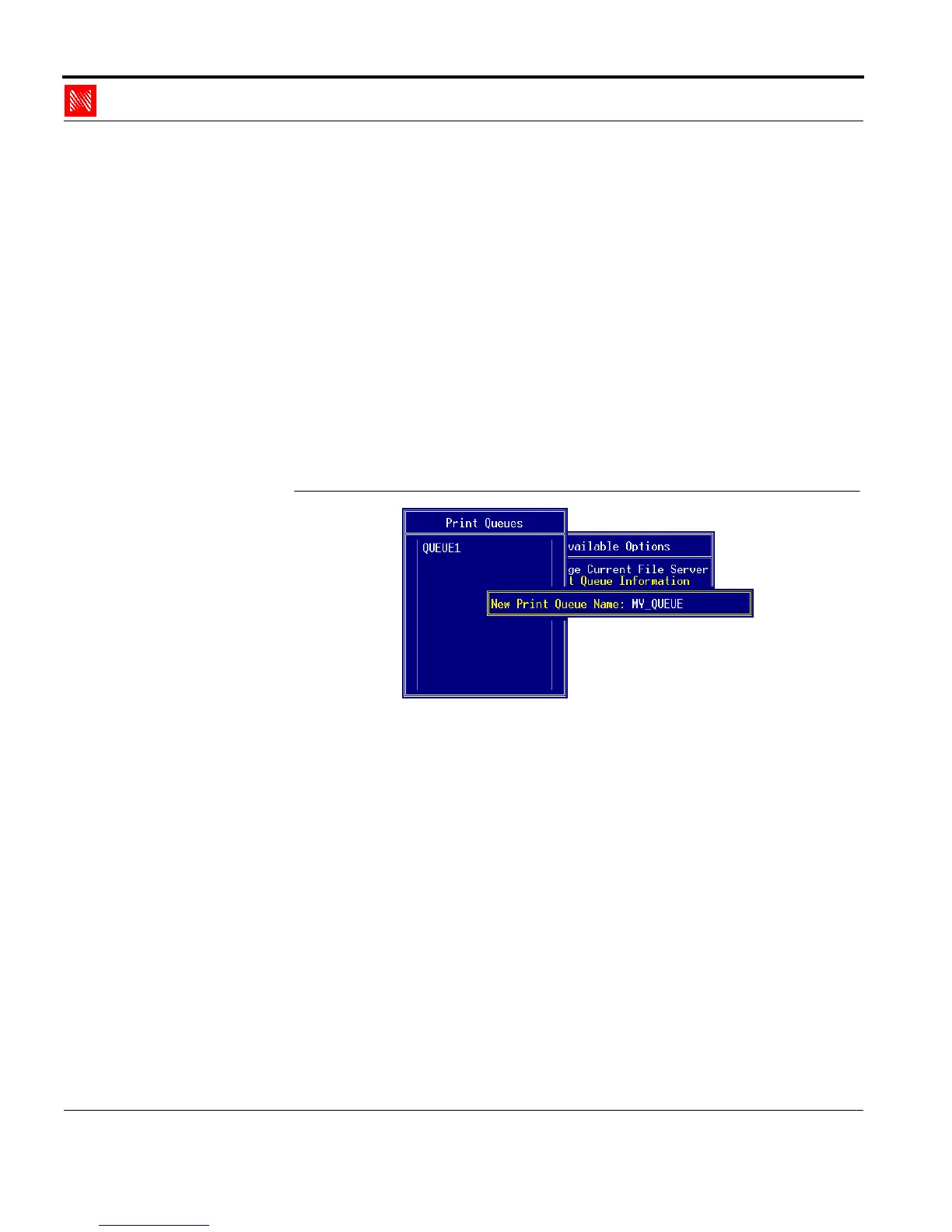
The 'Print Queues' window appears.
2. Press INS.
The following window appears
Insert Print Queue
Fig. 2-30: 'New Print Queue Name' window
3. Enter an arbitrary name into the 'New Print Queue Name:'
window.
Example: MY_QUEUE
4. Press ENTER to save any changes.
5. Press ESC to return to the main menu.



 To Next Page