Installing in NetWare 5 Networks with NDPS Gateways
Print Server Installation Manual 2-33
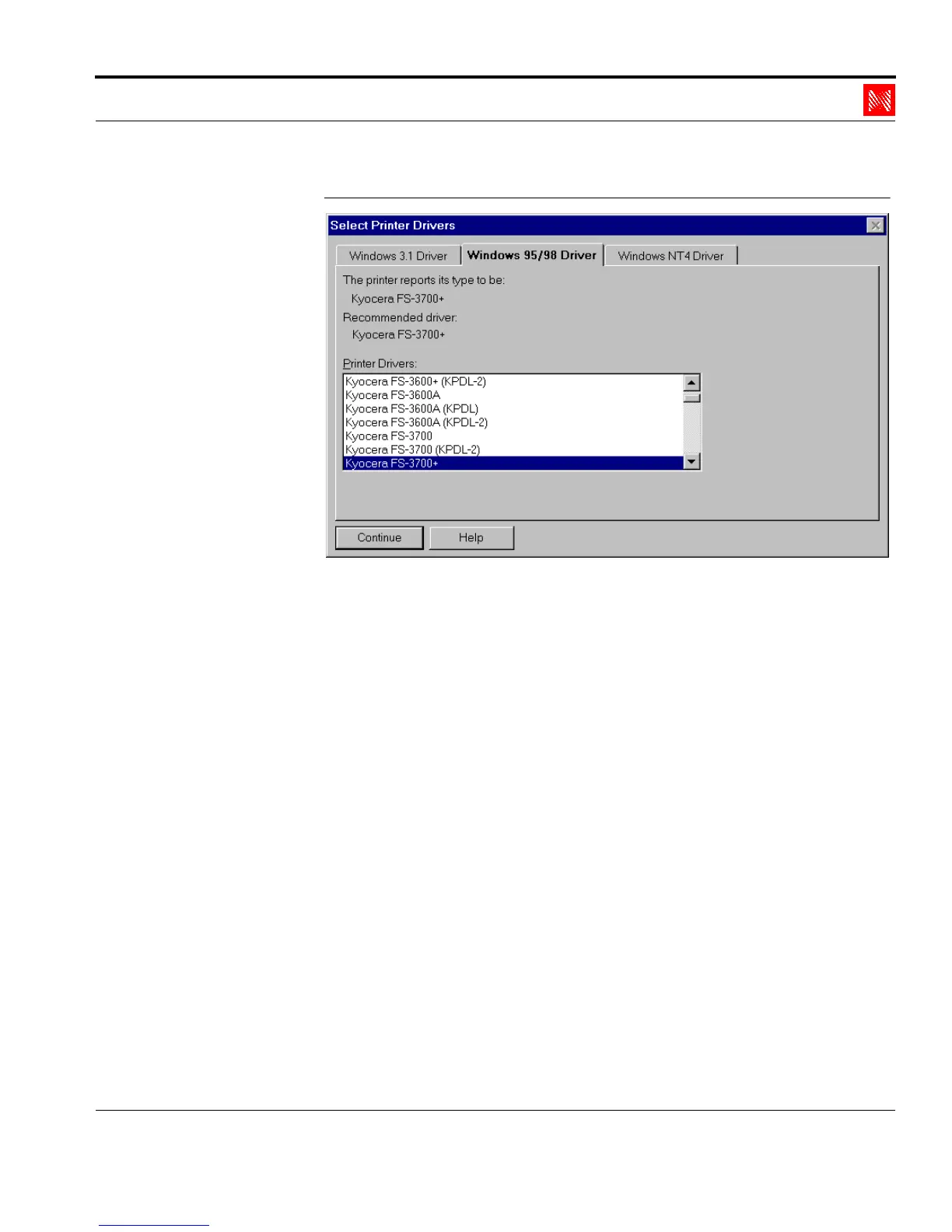
Fig. 2-23: Window 'Select Printer Drivers'
11. Select the correct tab.
12. Select the printer driver for your printer.
13. Click 'Continue.'
14. Click 'OK' to confirm.
2.4.4. Setting up the Printer in the Novell Print Manager
Procedure Proceed as follows:
1. Start the Novell Printer Manager.
The following window appears:



 To Next Page