Installing in NetWare 5 Networks with NDPS Gateways
2-32 Print Server Installation Manual
7. Select 'Queue based (NDS printer agent)'.
8. Click 'Next>.'
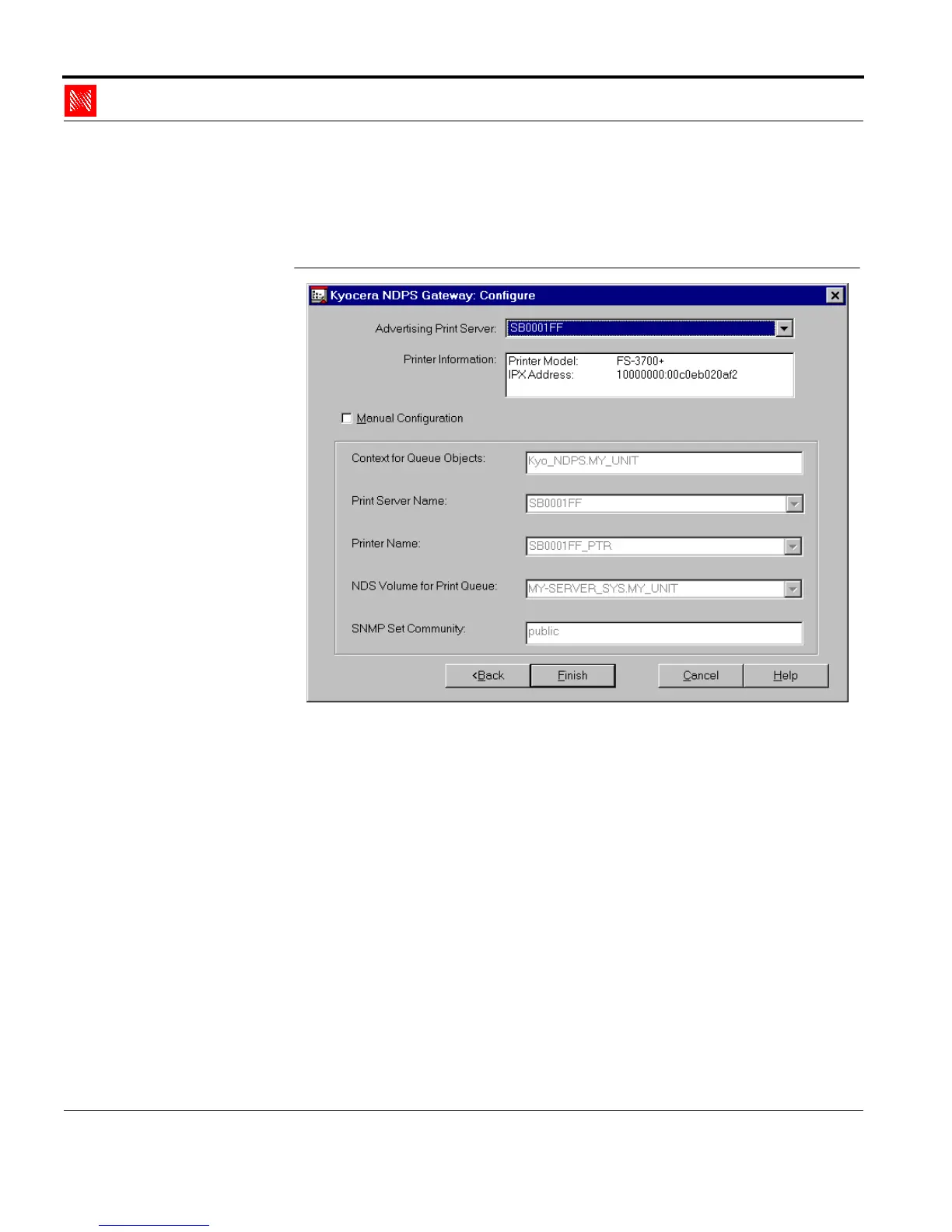
The following window appears:
Fig. 2-22: Window 'KYOCERA NDPS Gateway: Configure...'
9. Select the print server in the list 'Advertising Print Server.'
10. Click 'Finish.'
The following window appears:



 To Next Page