Configuring the Print Server
5-6 Print Server Installation Manual
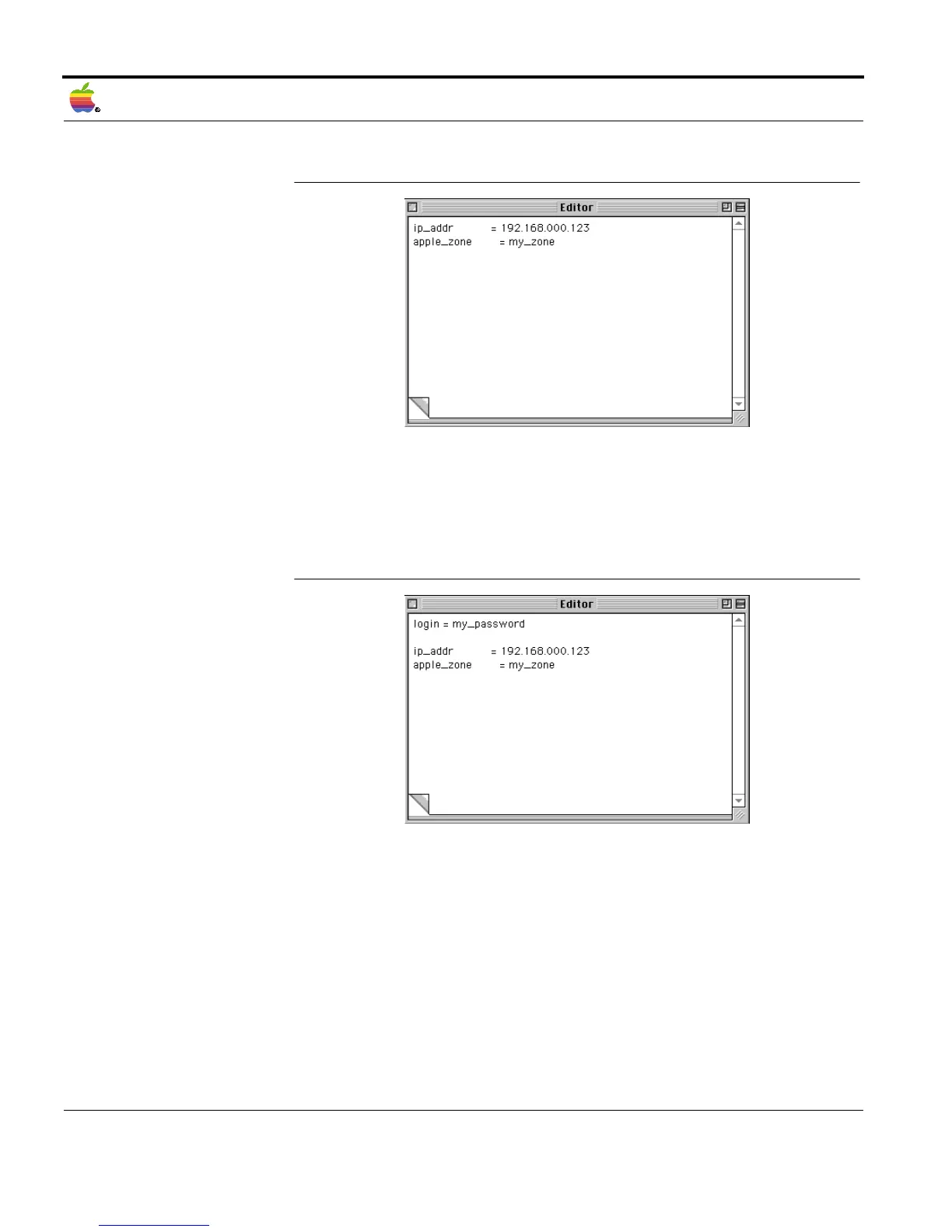
Example of a Text
File
Fig. 5-3: Example of a text file
Text File for
Password-Protected
Print Servers
To administrate a print server that is protected by a password, the
'login' parameter and the password have to be indicated at the
beginning of the text file.
Fig. 5-4: Text file for password-protected print servers
Deleting a Password By means of the text file, you can delete a password that was
assigned to a print server. To do this, the text file has to contain the
following two lines:



 To Next Page