Installing in NetWare 5/4 Networks in Print Server Mode
2-10 Print Server Installation Manual
Procedure Proceed as follows:
1. Begin the printer installation.
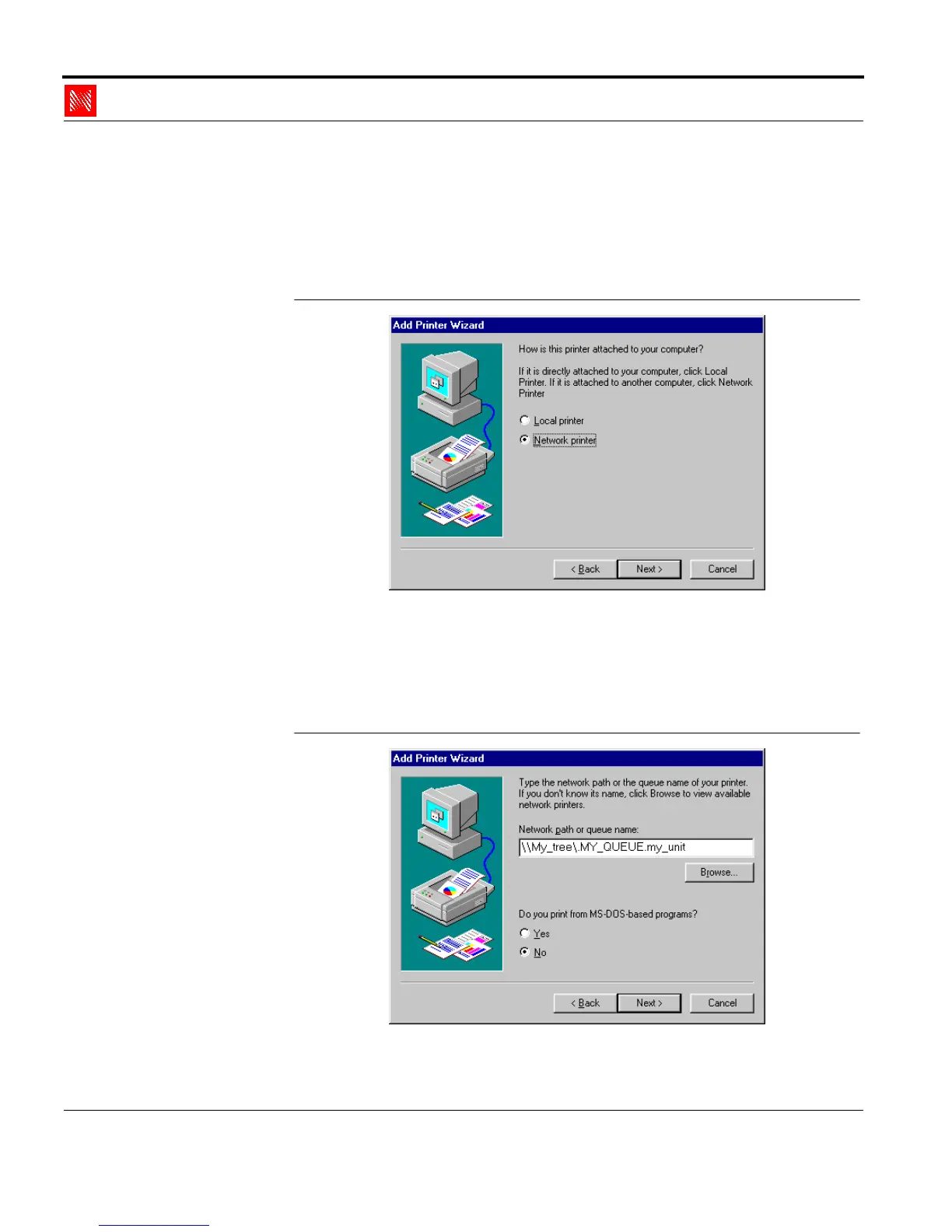
The following window will appear during the installation
routine:
Fig. 2-4: Select Network Printer
2. Select network printer.
3. Click 'Next>.'
The following window appears:
Fig. 2-5: Select print queue



 To Next Page