Installing in Windows 98 and 95 Networks (KYOCERA Monitor)
Print Server Installation Manual 3-11
3.4 Installing in Windows 98 and 95 Networks
(KYOCERA Monitor)
In this section, the installation of your KYOCERA-PrintServer in
Windows 98 and 95 networks is described. The installation is
identical for both systems, although the outer appearance of the
windows may differ slightly.
Before beginning the actual installation, you should have basic
knowledge of TCP/IP. Please read the "Basic Terminology"
section on page 1-2 if necessary.
Print Server
Function
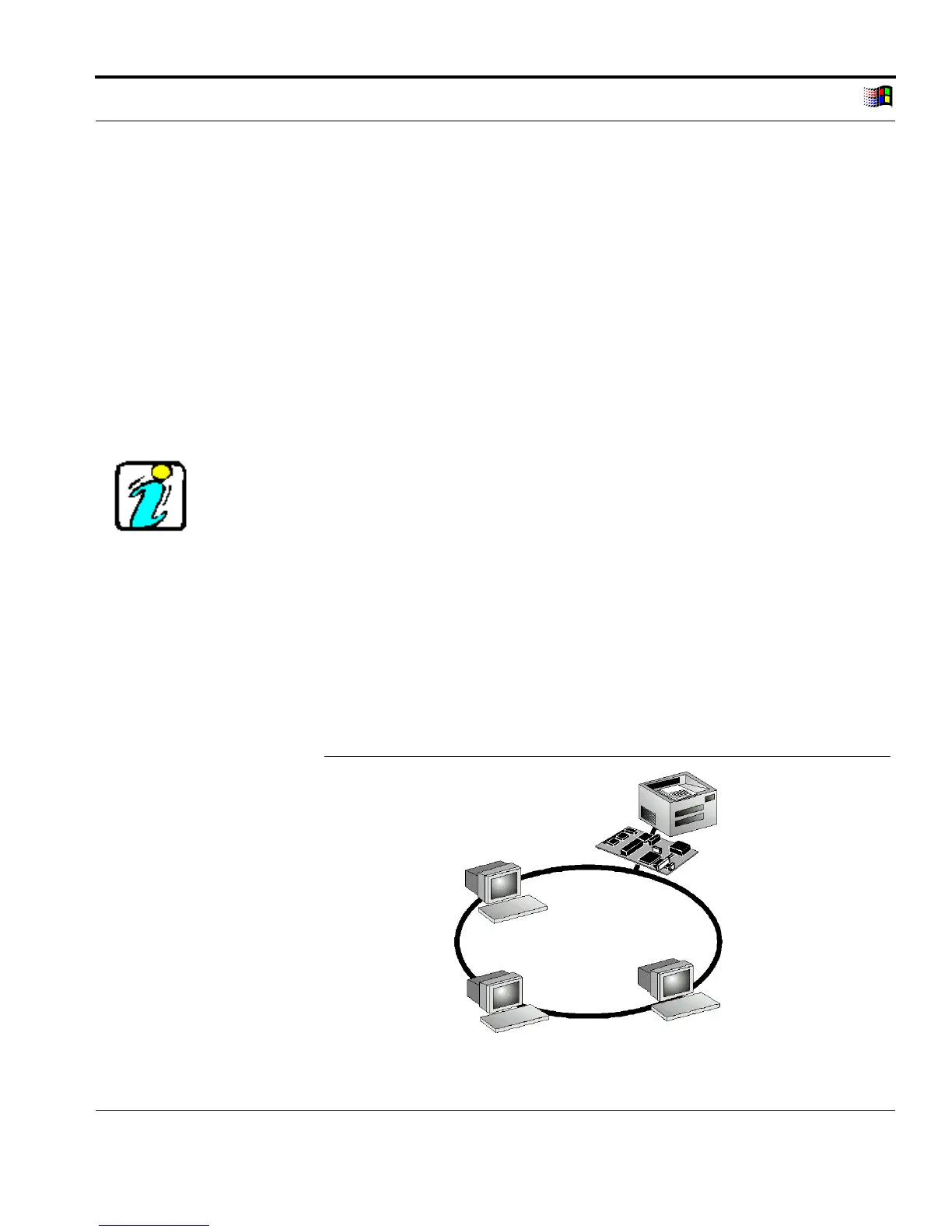
Windows 98 and 95 networks are so-called peer-to-peer networks.
All computers have equal rights and may share their resources
with other computers. A print server in a peer-to-peer network acts
as a network connection for a printer independent of the computer.
The print data is transferred from the individual computer to the
network using the KYOCERA Monitor. The print server receives
the print data and routes it to the printer.
Peer-to-Peer
Network
Fig. 3-3: Peer-to-peer network with print server



 To Next Page