Installing the Print Server
Print Server Installation Manual 5-3
5.2 Installing the Print Server
For the most part, the KYOCERA-PrintServer is installed
automatically. To configure and administrate the print server, an
additional virtual printer with a name expanded by '_ADM' is
installed.
5.2.1. Installing the KYOCERA-PrintServer
Procedure Proceed as follows:
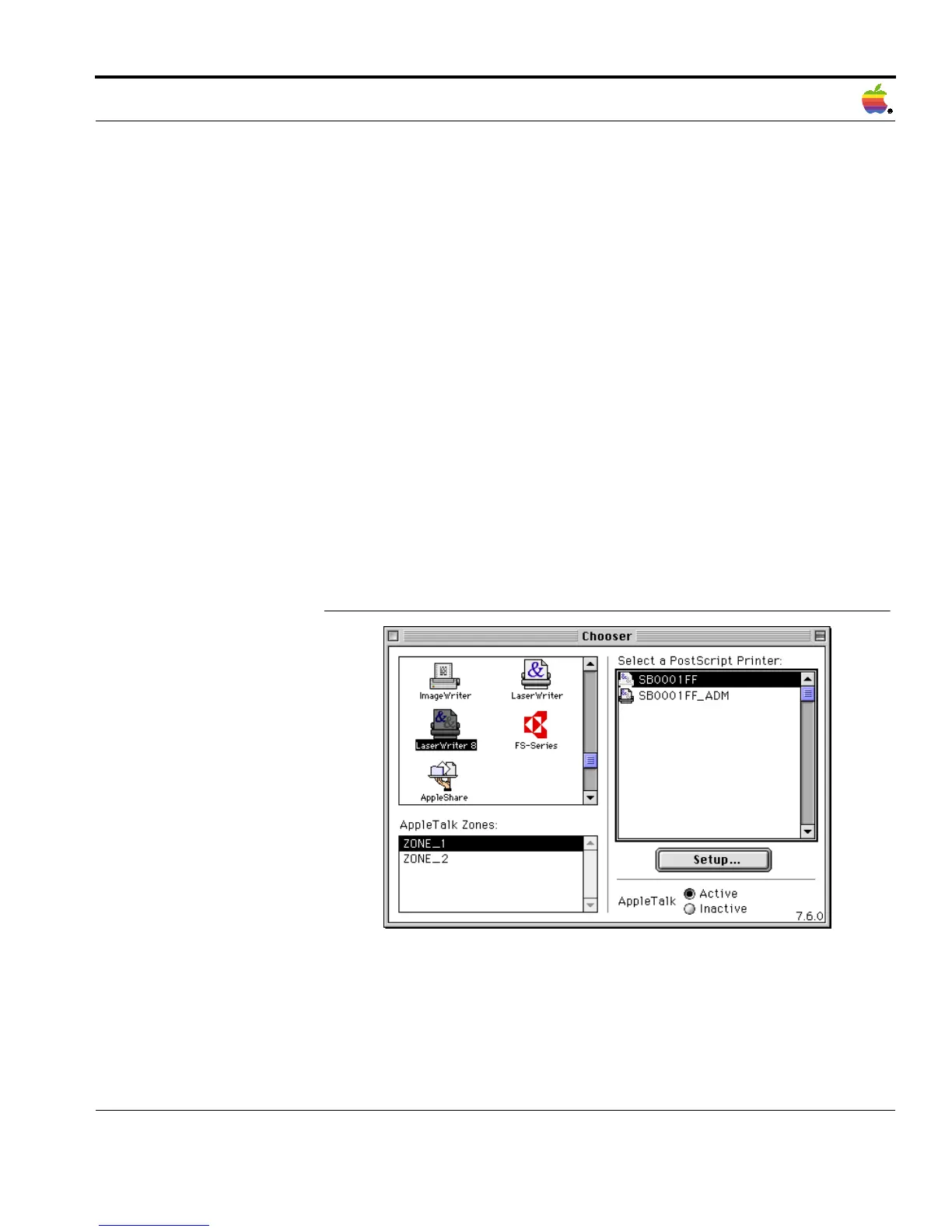
1. Select 'Chooser' on the Apple menu.
The following window appears:
Fig. 5-1: 'Chooser' window
2. Select the desired printer driver.
3. Select the corresponding zone, if required.



 To Next Page