Installing the Print Server
5-4 Print Server Installation Manual
4. Double-click the print server in the 'Select a PostScript Printer'
box.
5.2.2. Installing the Virtual Printer
Procedure Proceed as follows:
1. Select 'Chooser' on the Apple menu.
2. Select the printer driver 'LaserWriter 8.'
3. Double-click the virtual printer in the 'Select a PostScript
Printer' box.
Example: SB0001FF_ADM
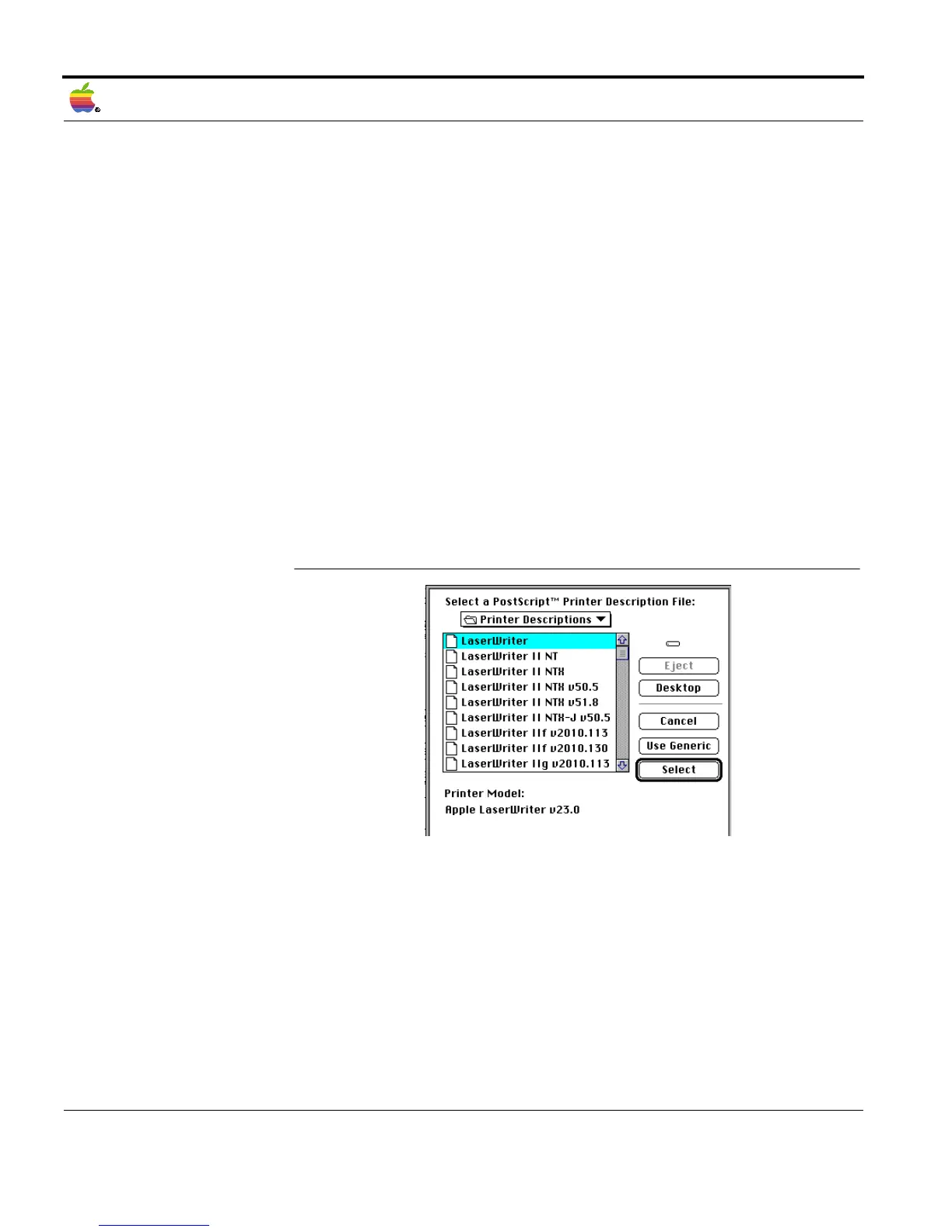
The following window appears:
Fig. 5-2: 'Select Printer Description File' window
4. Click 'Use Generic.'



 To Next Page