Installing in Novell NetWare 3.x Networks in Print Server Mode
2-38 Print Server Installation Manual
Procedure The installation involves the following steps:
Installing the Print Server in the Novell File Server
Installing a Print Queue
Allocating the Print Server as a Queue Server
2.5.1. Installing the Print Server in the Novell File Server
The KYOCERA-PrintServer must be installed as a print server on
the Novell file server.
Procedure Proceed as follows:
1. Log on as SUPERVISOR.
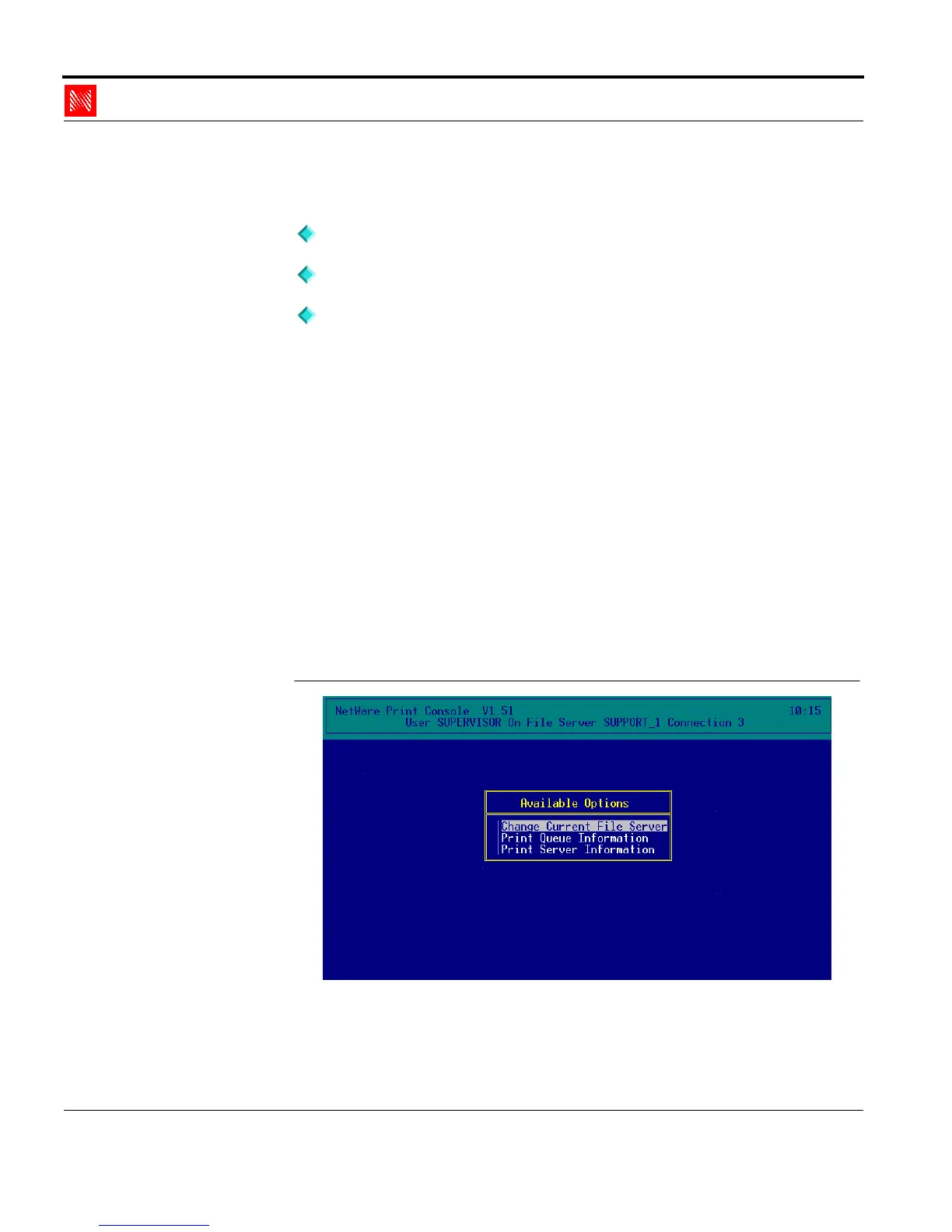
2. Start PCONSOLE.
The following window appears:
Main Menu of
PCONSOLE
Fig. 2-28: Main menu of PCONSOLE



 To Next Page