Installing in Windows NT 4.0 Networks
Print Server Installation Manual 3-27
Please read the printer installation instructions in your Windows or
printer user manual if necessary.
If you use a host name, please make sure that this host name has
been assigned beforehand. Please read the "Host Name" section on
page 1-13 if necessary.
If you have already set up your printer, you must only configure
the LPR port. Call the property sheet of the printer and select the
'Ports' tab. Continue with step 4 on page 3-28 described in the
following.
Procedure Proceed as follows:
1. Select 'Printers' on the 'Start' menu.
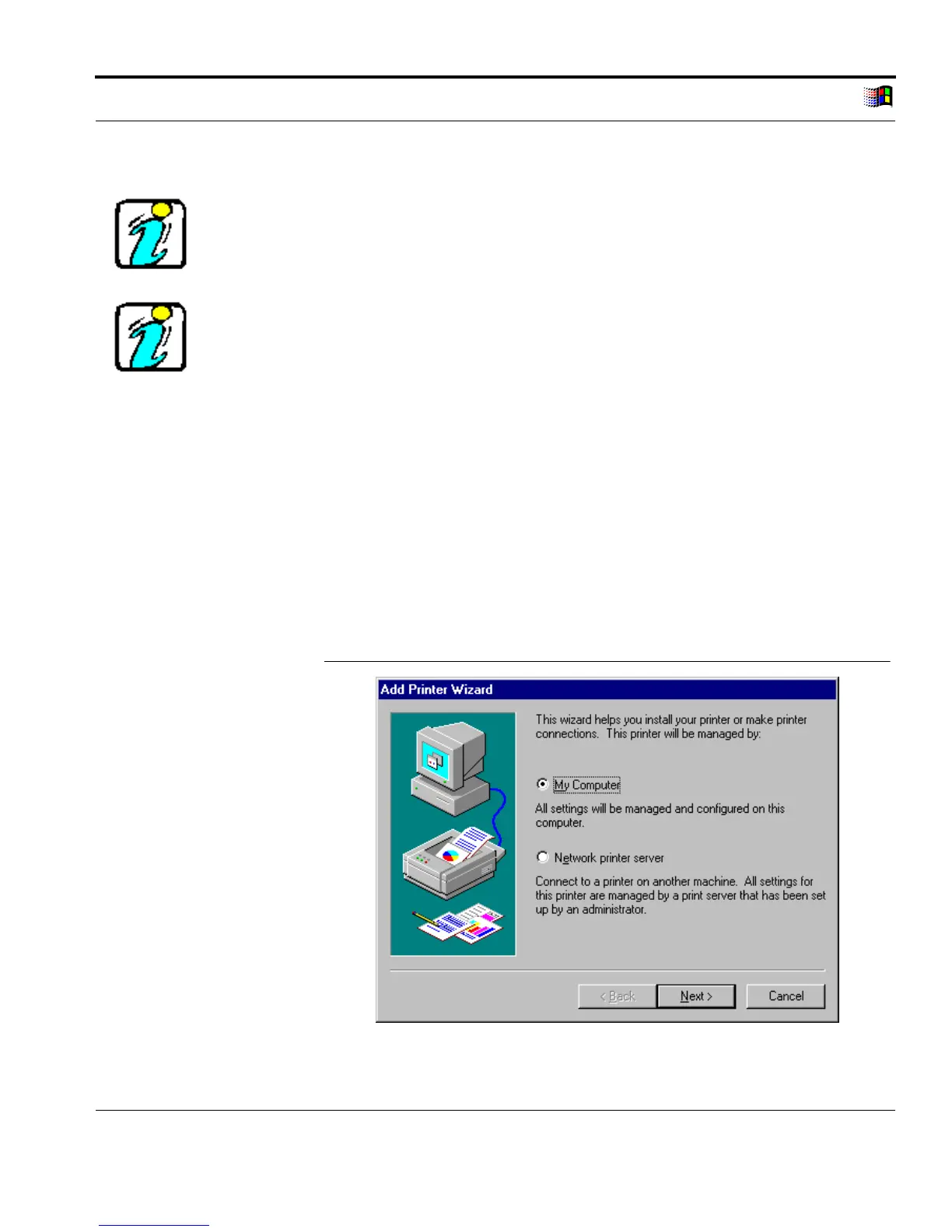
2. Double click 'Add Printer.'
The following window appears:
Select 'My Computer'
Fig. 3-15: Add Computer Wizard: 'My Computer'



 To Next Page