Creating a Device Description
6-6 Print Server Installation Manual
LANATTACH *IP
AFP *NO
PORT 9100
5. Press the page down key to change to the next screen.
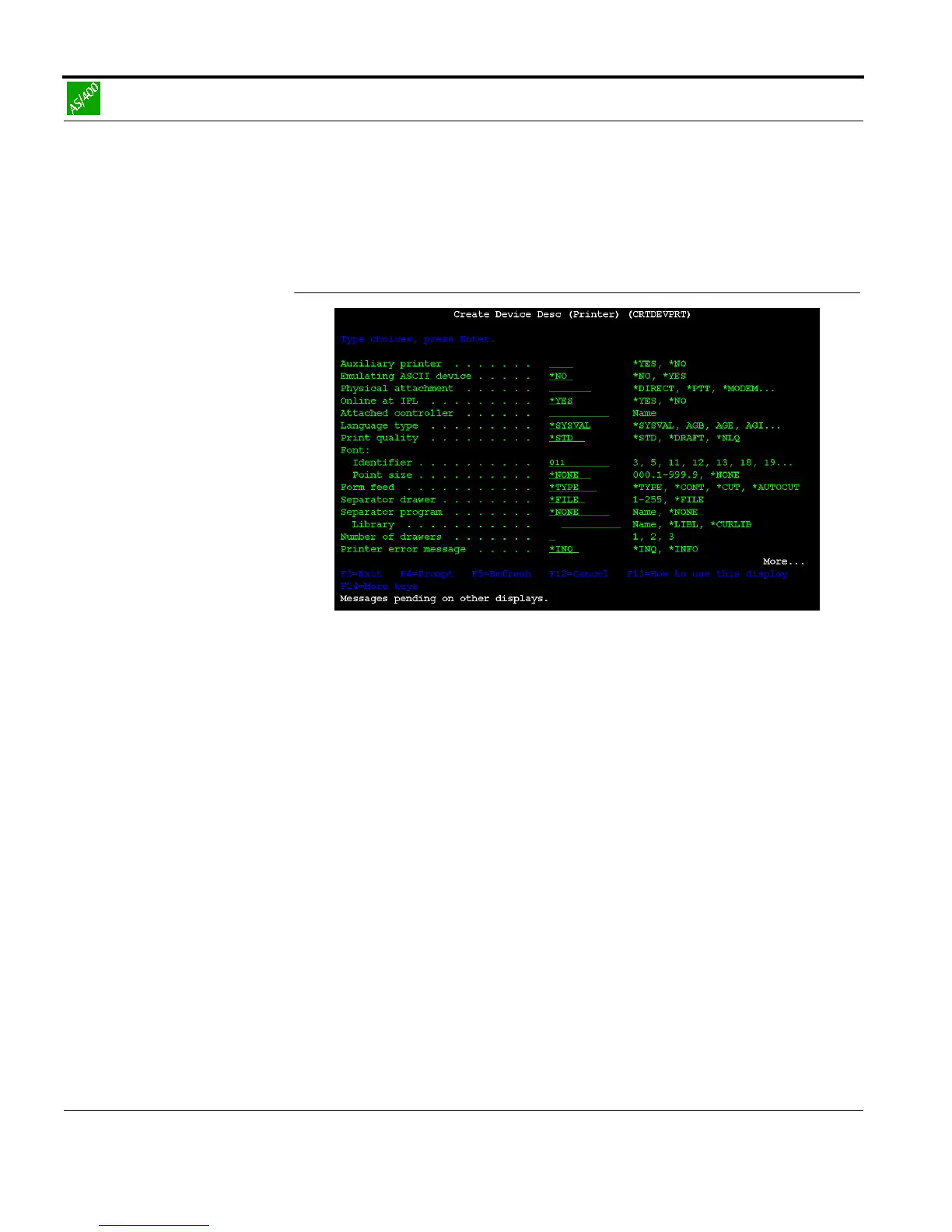
Fig. 6-2: 'Create Device Description' window Part 2
6. Enter the following parameter into the mask:
FONT 011
7. Press the page down key to change to the next screen.



 To Next Page