Installing in Novell NetWare 3.x Networks in Print Server Mode
2-42 Print Server Installation Manual
6. Select the print server name and, if necessary, another print
server.
7. Press ENTER.
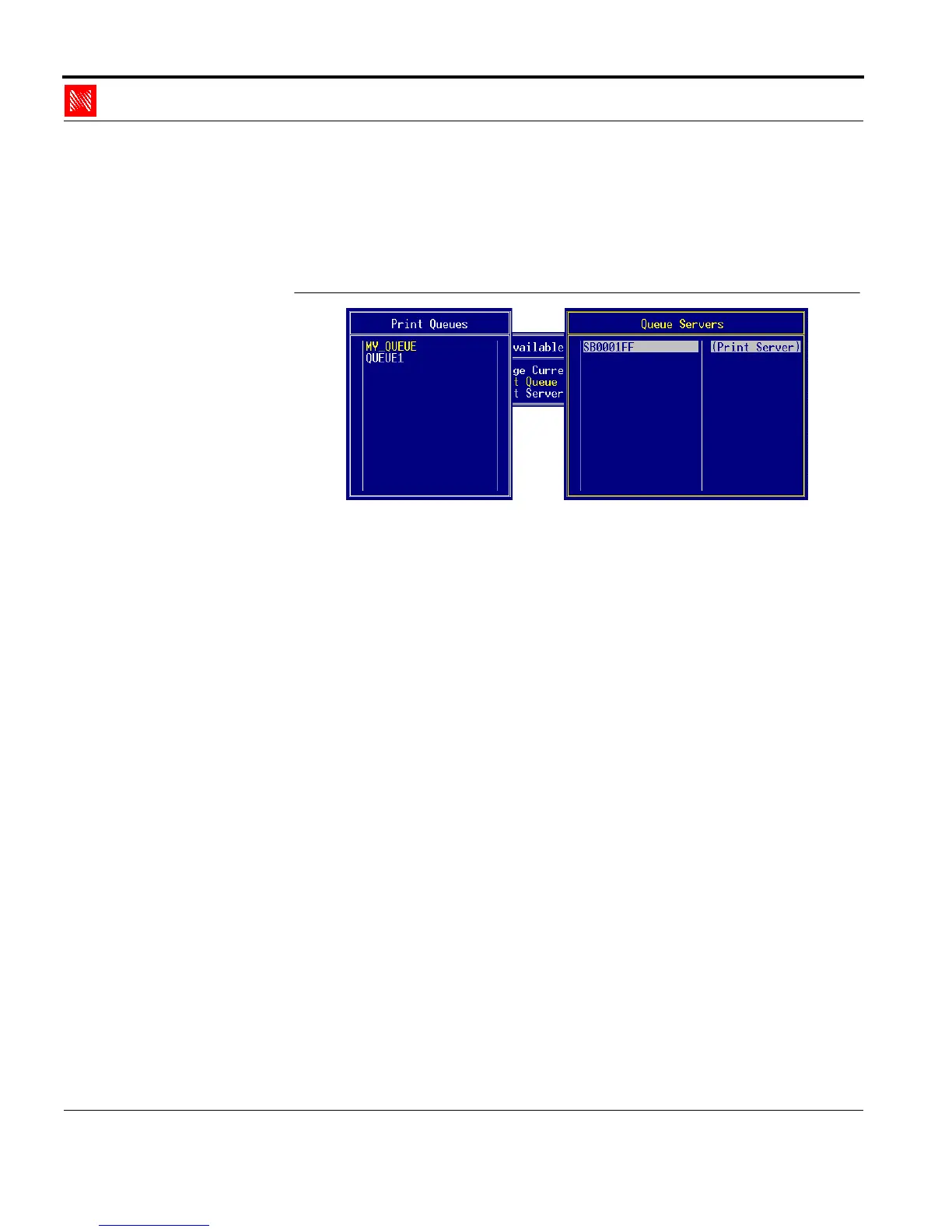
The following window appears:
Fig. 2-33: 'Queue Servers' window
8. Press ESC repeatedly to close PCONSOLE.



 To Next Page