12 SDI CONFIG MENU (SER02)
97
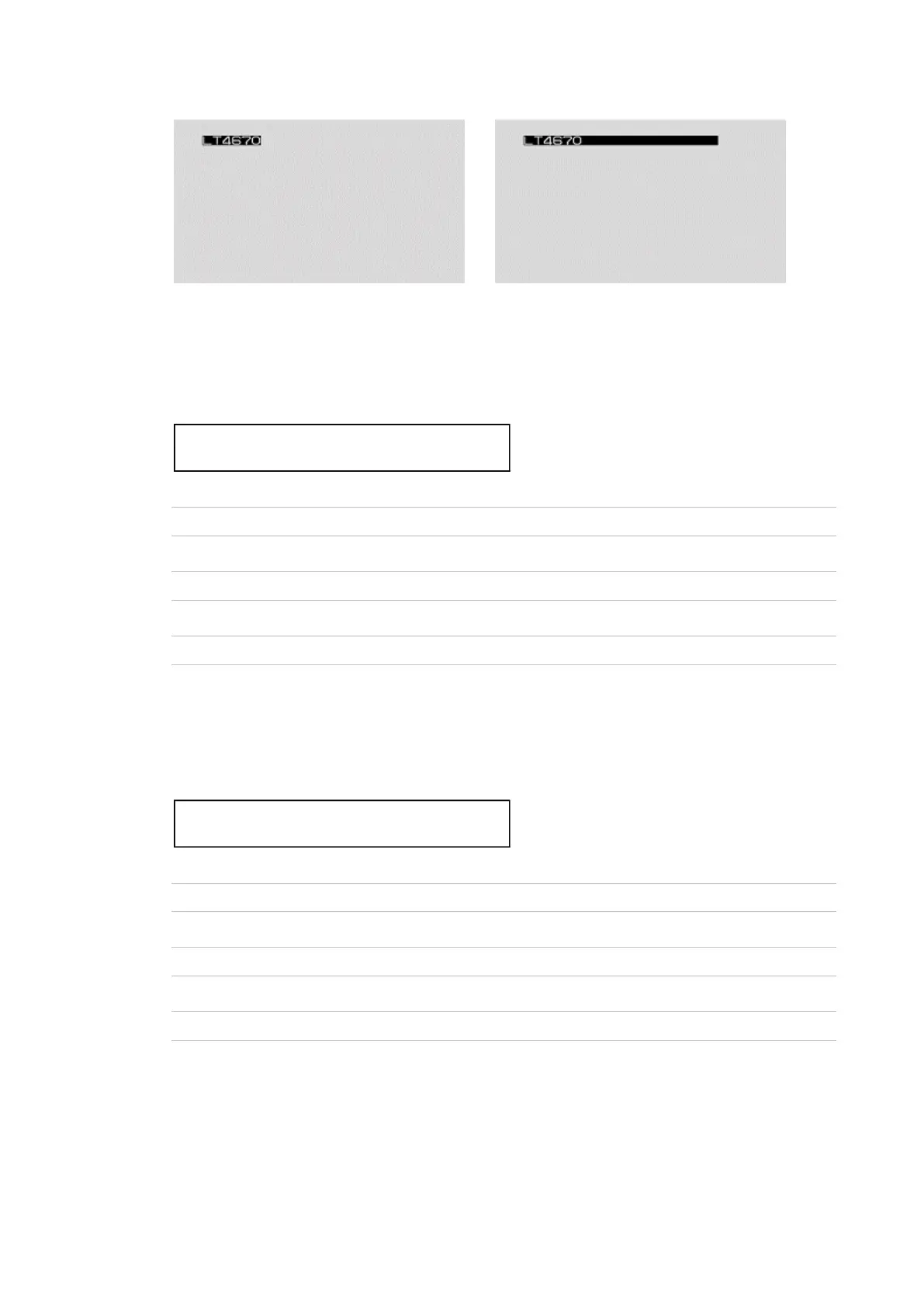
ID SET = LT4670◀ ID SET = LT4670
Figure 12-4 | Creating ID characters
12.9.4 Setting the Position of ID Characters (Vertical)
To set the vertical position of ID characters, follow the procedure below.
The value represents the position of the top of the ID characters. The top of the pattern is 0%.
Procedure
SDI CONFIG > SDI1 > VIDEO > ID CHARACTER > V-POSI
Parameters
0 - 100 [%]
Initial value
0 [%]
12.9.5 Setting the Position of ID Characters (Horizontal)
To set the horizontal position of ID characters, follow the procedure below.
The value represents the position of the left end of the ID characters. The left end of the
pattern is 0%.
Procedure
SDI CONFIG > SDI1 > VIDEO > ID CHARACTER > H-POSI
Parameters
0 - 100 [%]
Initial value
0 [%]



 To Next Page