EasyManua.ls Logo

Leader LT4670 - Initializing the Settings; Factory Default Initialization; Selecting the Initial Value for the Format

Leader LT4670
217 pages
Print Icon
To Next Page IconTo Next Page
To Previous Page IconTo Previous Page
Loading...
14 SYSTEM CONFIG MENU
154
14.9.1 Initializing the Settings
To initialize the settings except for some settings, select OK by following the procedure below.
Procedure
SYSTEM CONFIG > INITIALIZE > CLEAR SETTING
14.9.2 Factory Default Initialization
To initialize the settings to the factory default settings, select OK by following the procedure
below.
Procedure
SYSTEM CONFIG > INITIALIZE > DEFAULT SETTING
14.9.3 Selecting the Initial Value for the Format
To select the format that is applied when CLEAR SETTING or DEFAULT SETTING is used to
initialize the instrument, follow the procedure below.
Procedure
SYSTEM CONFIG > INITIALIZE > FORMAT SETTING
Parameters
NTSC / PAL
Initial value
NTSC
The initial value varies according to the setting made here.
Table 14-2 | Initial value

Setting
FORMAT SETTING
NTSC
PAL
REFERENCE CONFIG > GENLOCK FORMAT
NTSC BB
PAL BB
BLACK CONFIG > BLACK* > FORMAT
NTSC BB
PAL BB
LTC CONFIG > LTC OUTPUT > LTC* > FORMAT
29.97 fps
25 fps
SDI CONFIG > SDI FREQUENCY GROUP (SER02)
59.94Hz
60/50Hz
SDI CONFIG > SDI* > FORMAT > RATE (SER02)
59.94I
50I
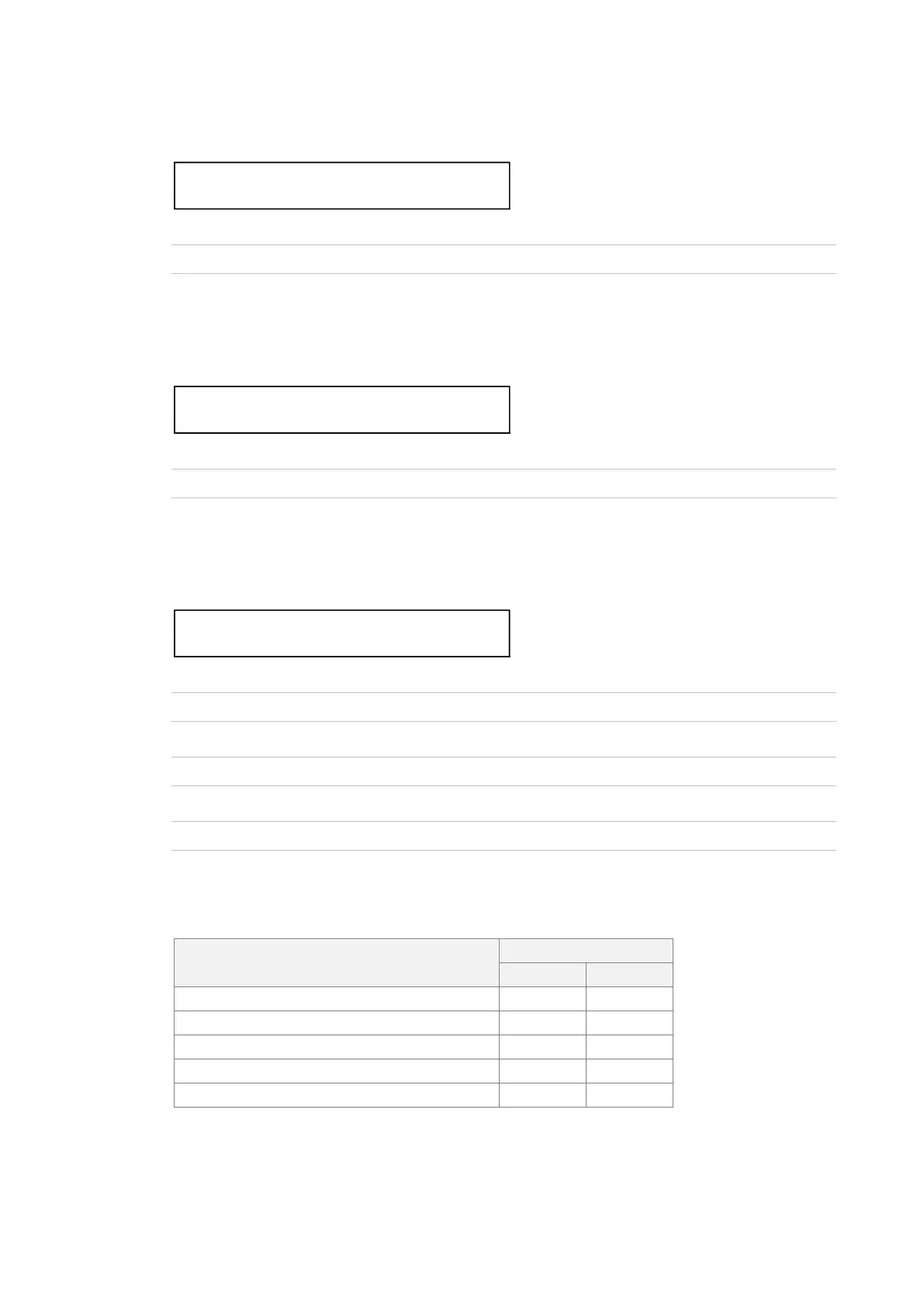
2 . C L E A R   S E T T I N G
      □ O K             ■ C A N C E L
2 . D E F A U L T   S E T T I N G
      □ O K             ■ C A N C E L
2 . F O R M A T   S E T T I N G
      ■ N T S C         □ P A L

Table of Contents

Other manuals for Leader LT4670

Related product manuals