14 SYSTEM CONFIG MENU
153
● Log Example
000:2023/06/23 05:13:05 ALM(UNIT POWER2)
001:2023/06/23 05:13:05 ALM(FAN POWER2)
002:2023/06/23 05:13:42 REF SRC(NO SIGNAL)
003:2023/06/23 05:14:00 REF SRC(LOCK)
004:2023/06/23 05:14:14 1PPS CAPTCHA
005:2023/06/23 05:14:16 TIME CAPTCHA
006:2023/06/23 05:17:46 REFERENCE:REFERENCE_SOURCE[GL FMT-AUTO]
007:2023/06/23 05:17:46 REF SRC(TRACKING)
008:2023/06/23 05:17:53 REF SRC(LOCK)[NTSC BB]
14.8.3 Clearing the Log
To clear the log, select OK by following the procedure below.
Procedure
SYSTEM CONFIG > LOG > DELETE
14.9 Initialization
Under INITIALIZE on the SYSTEM CONFIG menu, you can initialize the settings.
There are two types of initialization: CLEAR SETTING and DEFAULT SETTING. They differ in the
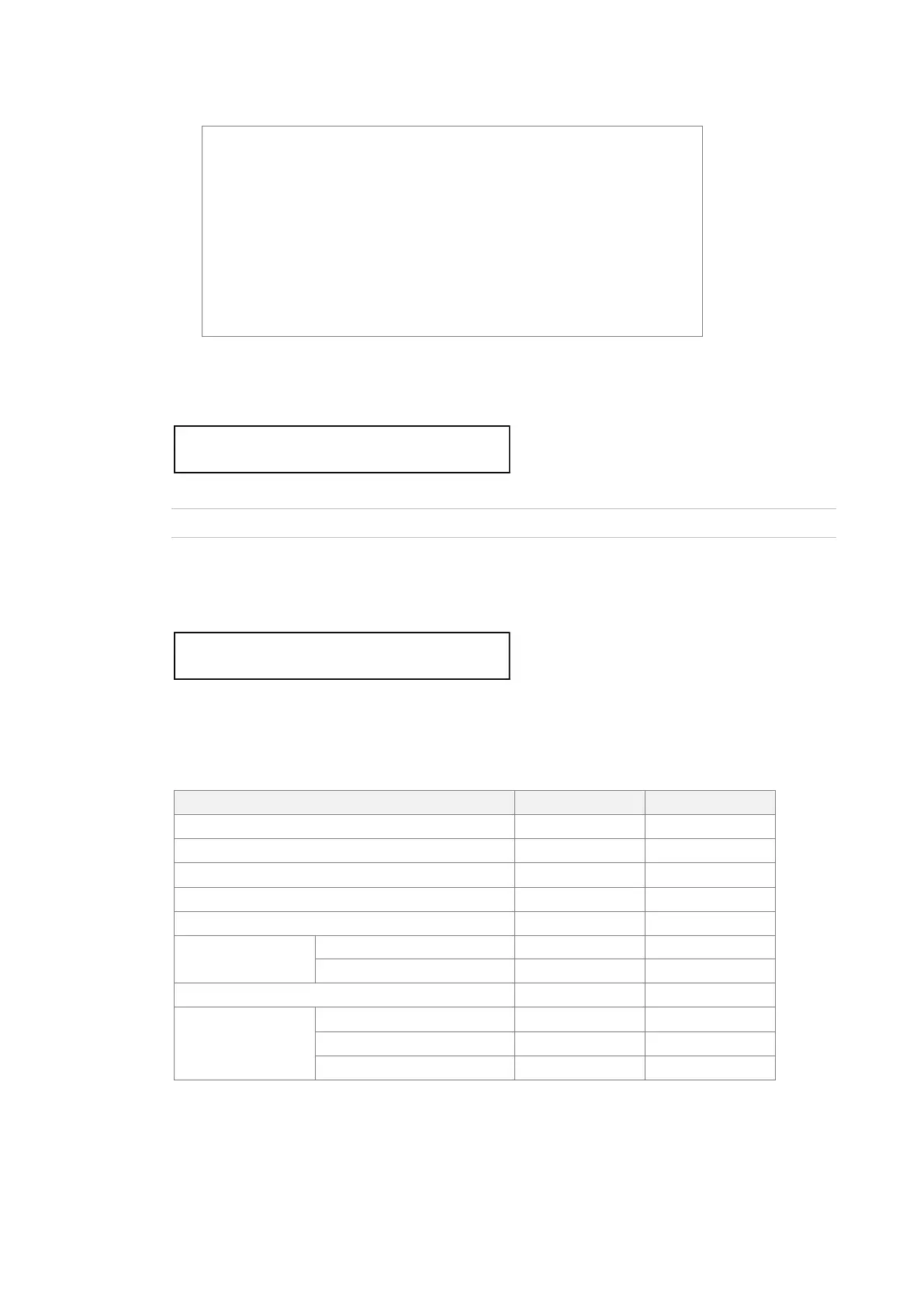
settings that are initialized as follows. (○: initialized, ×: not initialized)
Table 14-1 | Initialization
ID CHARACTER (INT1 - INT4)
2 . D E L E T E L O G
□ O K ■ C A N C E L
0 . S Y S T E M C O N F I G



 To Next Page