16 WEB BROWSER
170
16.4 Screen Description
This section describes the screens that appear when all options (SER01, SER02, SER03, SER11,
and SER21) are added.
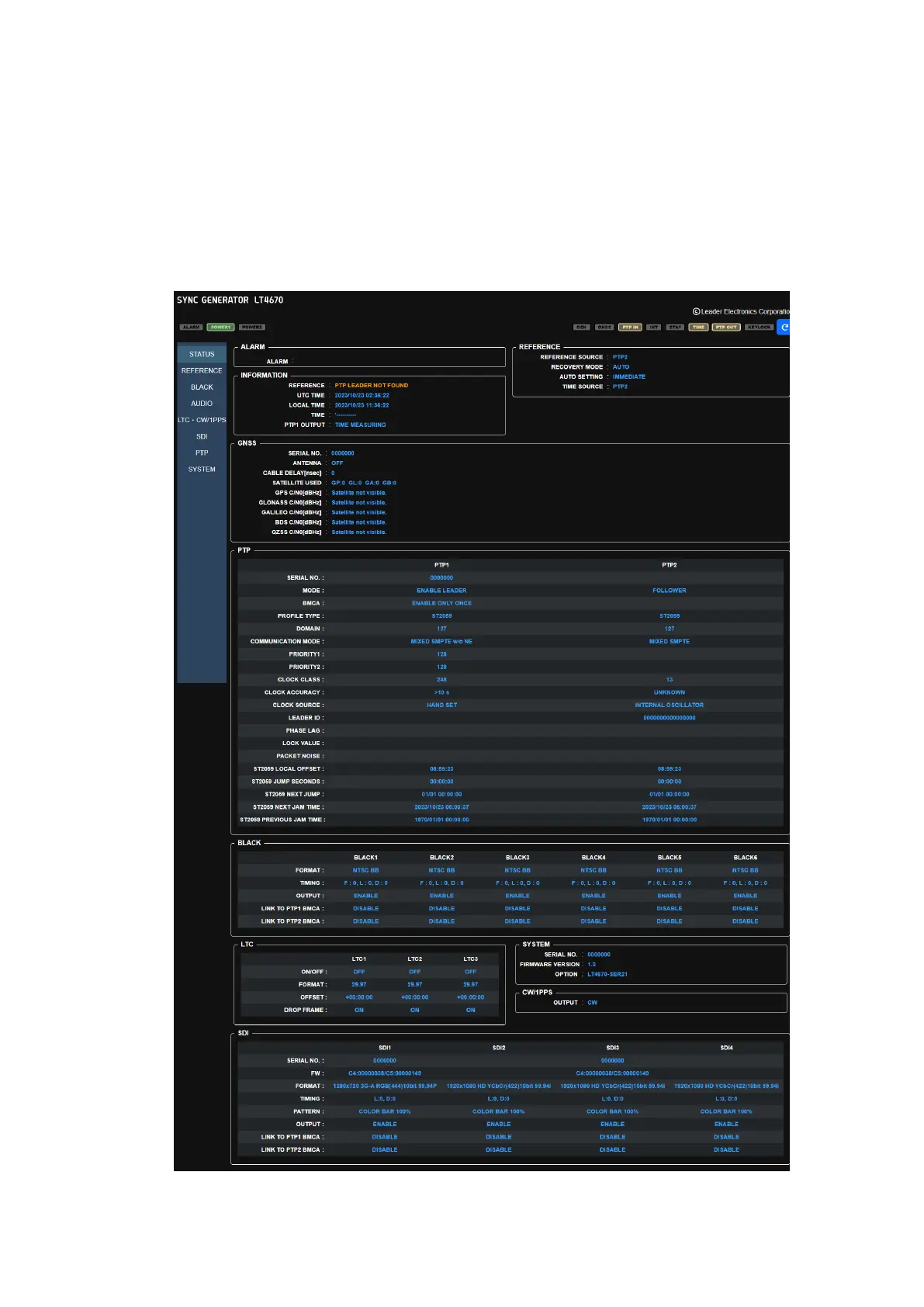
16.4.1 STATUS Screen
The STATUS screen displays the LT4670 status. This screen is for viewing the values only; it
cannot be used to set the values.
Figure 16-8 | STATUS screen



 To Next Page