6 BASIC OPERATION
60
Recalling Presets
You can use PRESET1 to PRESET4 to recall presets 0 to 9.
Apply L according to the table below.
Table 6-5 | Recalling presets
6.5 Alarm Display
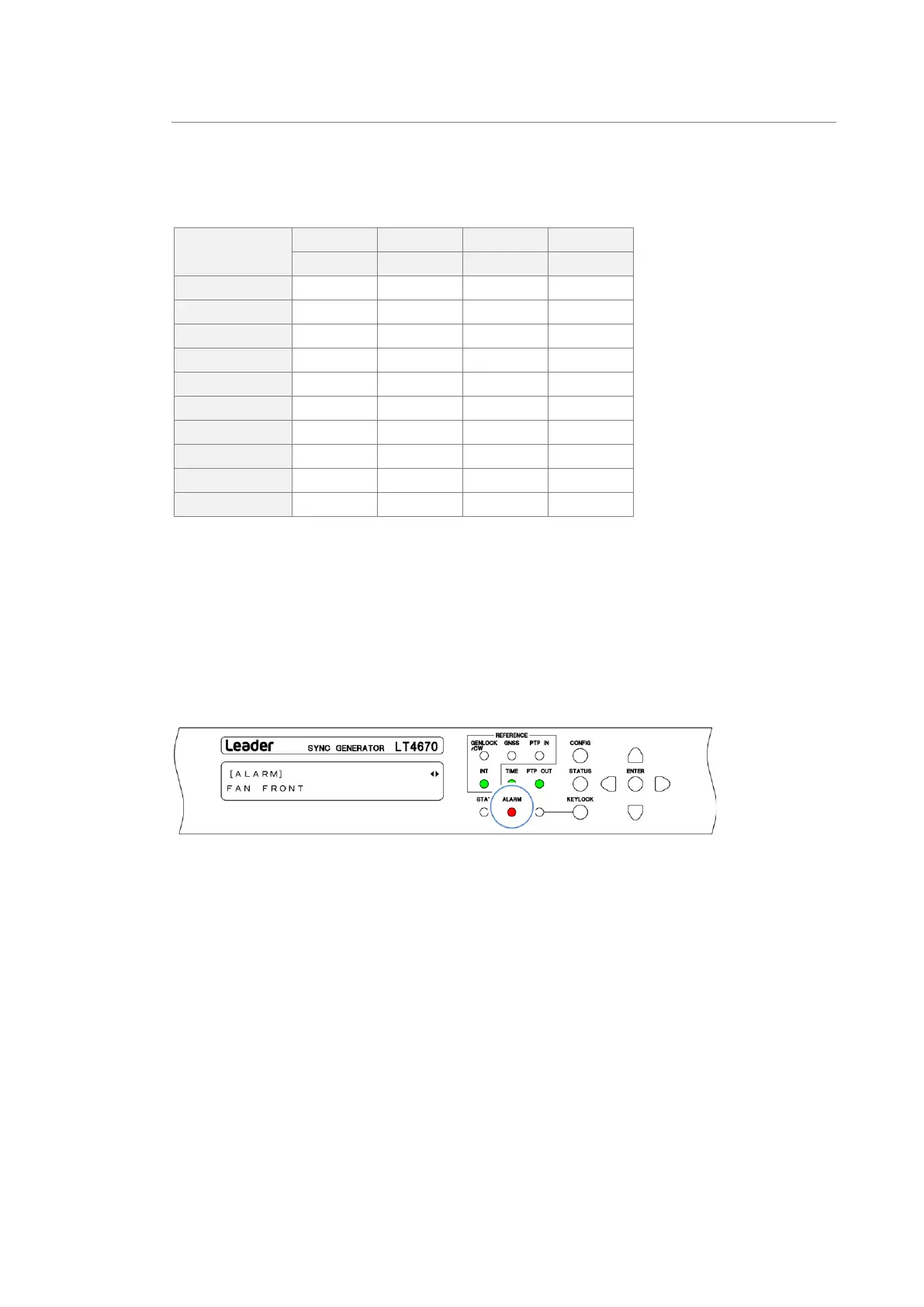
If an alarm occurs, the ALARM indicator on the front panel lights in red.
To check the description of the alarm, select ALARM from the STATUS menu.
If multiple alarms have occurred, you can use the ◀ and ▶ keys to switch from the description
of one alarm to that of another.
For information about the types of alarms displayed, see "15.1 ALARM Menu".
Figure 6-2 | Alarm display



 To Next Page