16 WEB BROWSER
168
16.3 Procedure
Indicators and reload
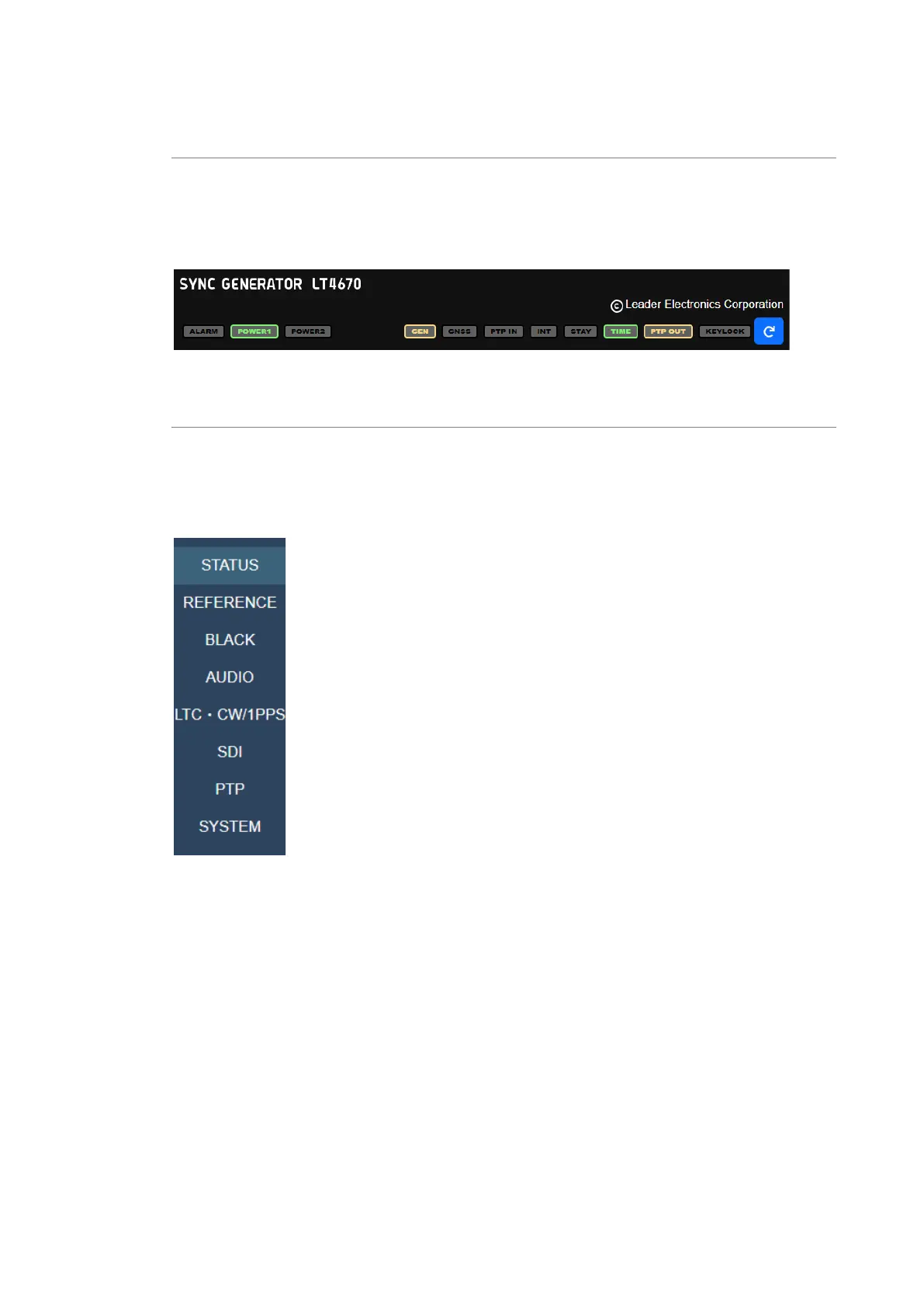
The indicators at the top of the screen represent the LEDs on the LT4670 front panel. They light
and blink as do the LEDs.
Clicking the reload button in the upper right of the screen reloads the screen, displaying the
STATUS screen again.
Figure 16-3 | Indicators and reload
Selecting a menu
You can switch the setting items by selecting a menu on the left of the screen.
STATUS displays the STATUS menu of the LT4670. REFERENCE to SYSTEM mainly display the
contents of the CONFIG menu of the LT4670. STATUS is for viewing the values only; it cannot
be used to set the items.
Figure 16-4 | Selecting a menu



 To Next Page