16 WEB BROWSER
167
5. Enter the URL in the address box of the Web Browser.
Enter "http://" and the IP address that you set in step 1.
Figure 16-1 | URL
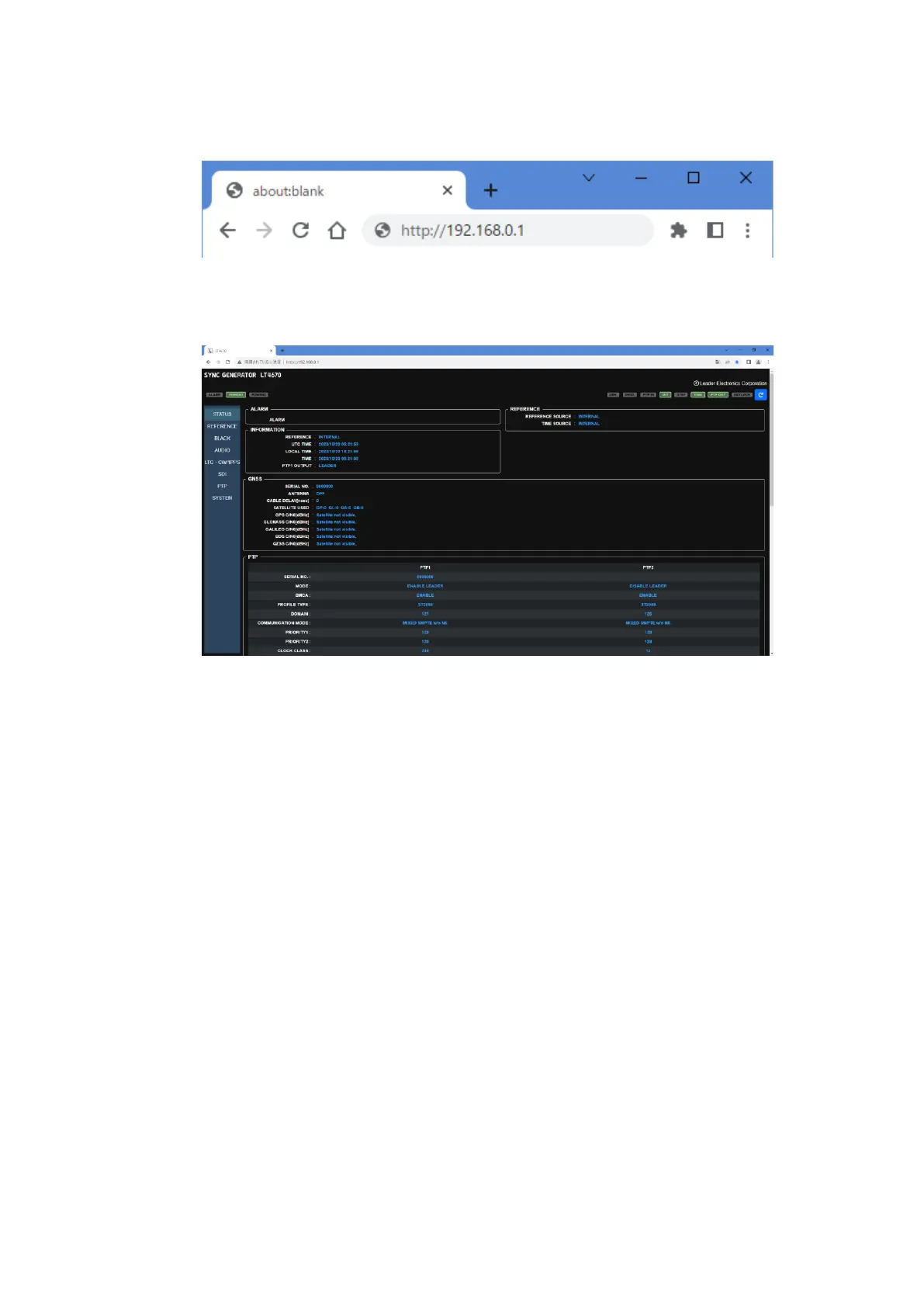
If you enter the correct URL, the STATUS screen of the LT4670 appears.
Figure 16-2 | STATUS screen
6. Control this instrument from the Web browser.
From the menu on the left, select an item and set values. Do not operate any key on the
main unit while you control this instrument from the Web browser.



 To Next Page