5 PREPARATIONS
39
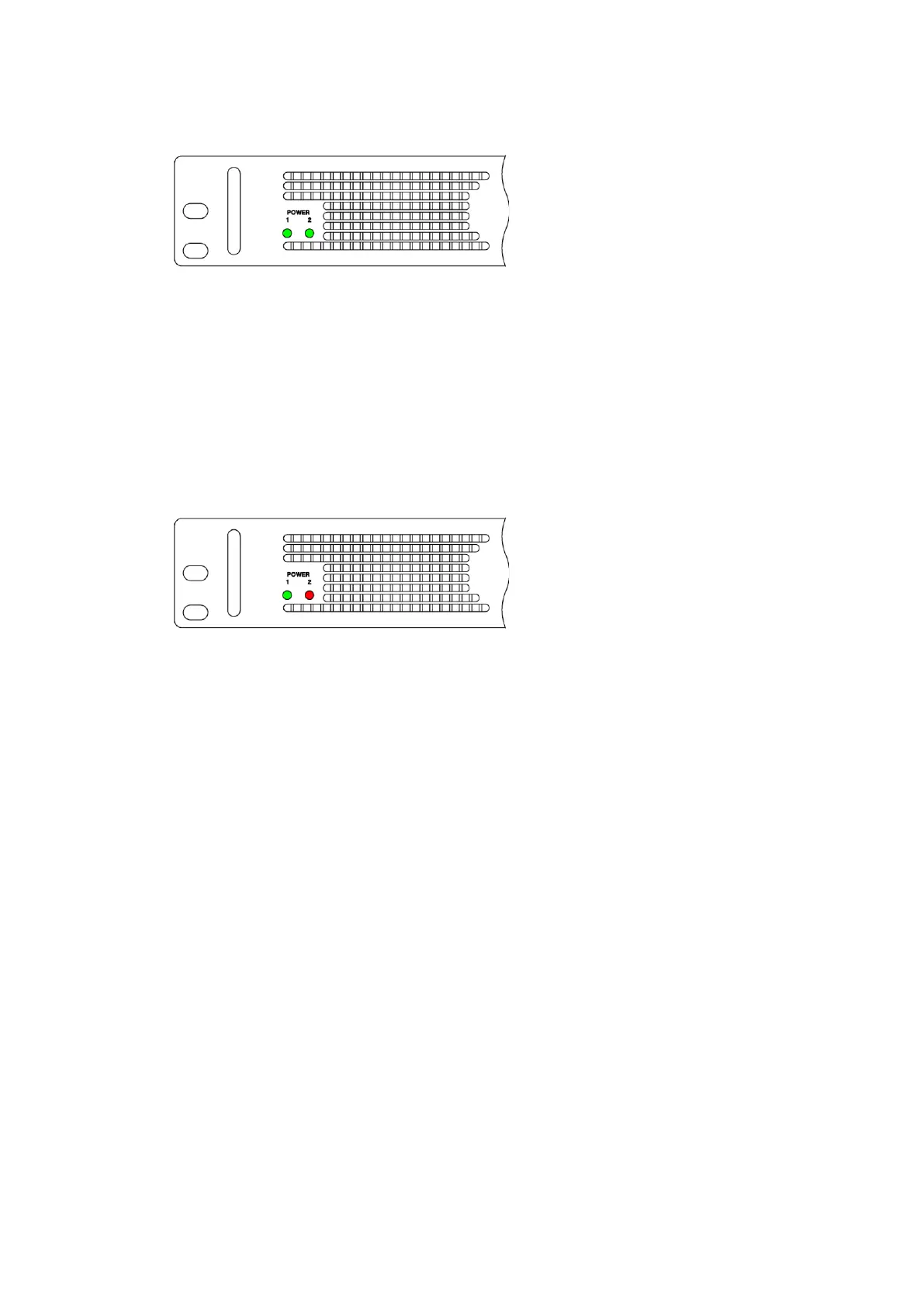
When the power is supplied to POWER1 and POWER2, the POWER LEDs on the front panel light
in green. Usually, use the product in this state.
Figure 5-7 | POWER LEDs (during normal operation)
In one of the following situations, either of the POWER LEDs on the front panel turns red and an
alarm is displayed.
・An error occurs in the fans of the power supply units.
・An error occurs in the power supply units.
・The power is not supplied to either of the power supply units.
In this case, check the power supply units in which an error occurred and contact your local
LEADER agent.
Figure 5-8 | POWER LEDs (when an error occurs)



 To Next Page