Creating Schematic Symbols Using Cadence OrCAD Capture CIS for SmartFusion2
and IGLOO2 Designs
AC393 Application Note Revision 14.0 79
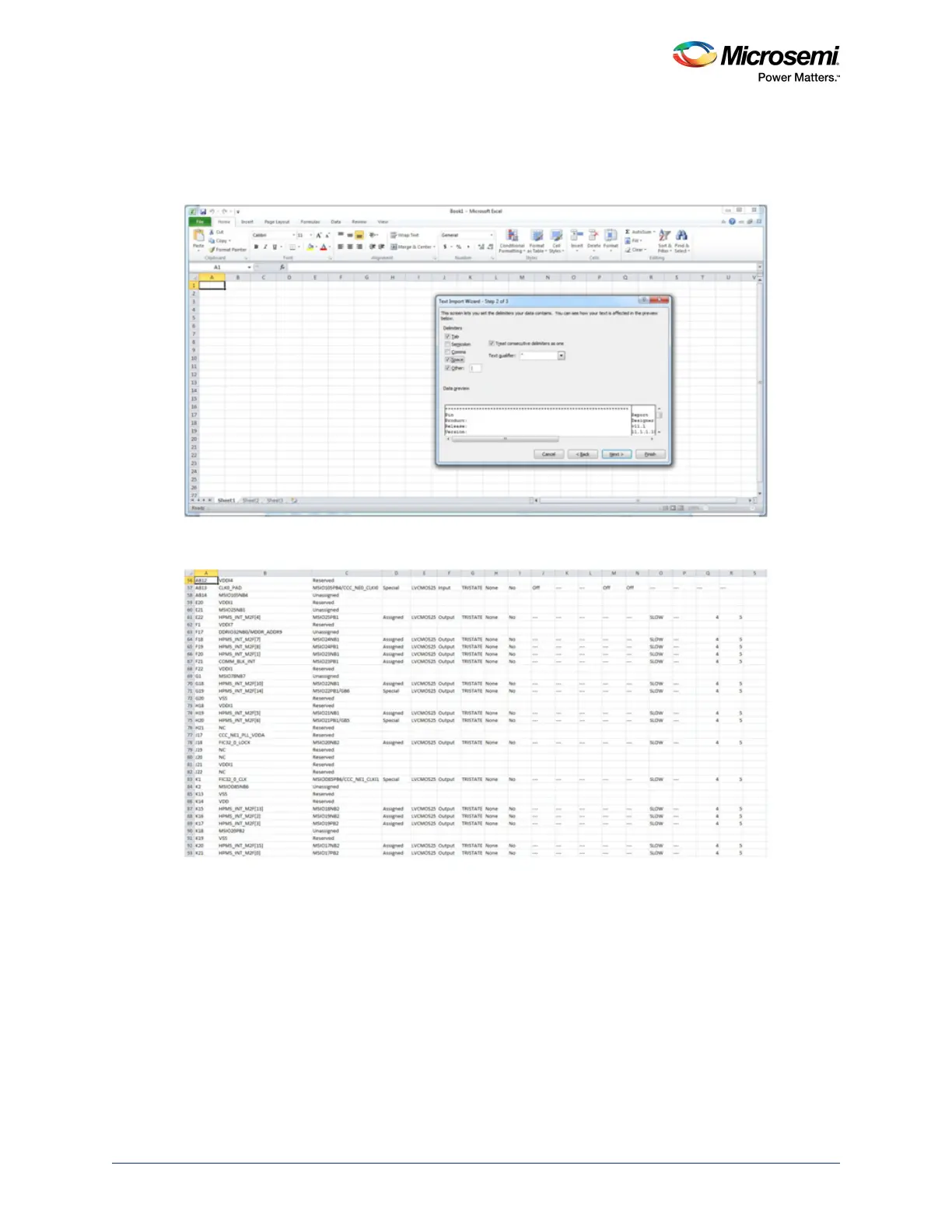
3. In the Text Import Wizard - Step 2 dialog, select the following as Delimiters and click Next:
•Tab
• Space
• I as other
Figure 82 • Importing Pin Names to the Spreadsheet—Step 2
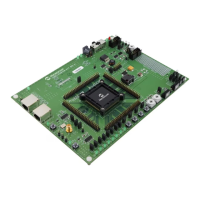
4. Click Finish to import the data in separate columns.
Figure 83 • Importing Pin Names to the Spreadsheet—Final Step



 To Next Page