12. Commissioning
MiR250 Hook User Guide (en) 01/2023 - v.1.2 ©Copyright 2021-2023: Mobile Industrial Robots A/S. 164
If you need to ensure that all robots dock to all markers with the same accuracy, you can use the
docking parameters to adjust the robot's final docking positions. There are two sets of docking
parameters you can modify:
• The marker's docking parameters. Adjust these to modify how all robots dock to a specific
marker.
• The robot's global docking parameters.Adjust these to modify how a specific robot docks to all
markers of a specific type.
For more information about the various docking parameters, see the guide How to change docking
parameters.
Types of markers
There are four standard marker types that all MiR robots can use: V, VL, L, and Bar-markers.
A V-marker is a small, V-shaped marker that is designed for the robot to either dock to so its
front or its rear is facing the marker. The V-marker is the simplest marker available for the robot.
It consists of a V shape with an interior angle of 120° and sides of 150 mm.The robot must dock
straight toward the inside of the V.
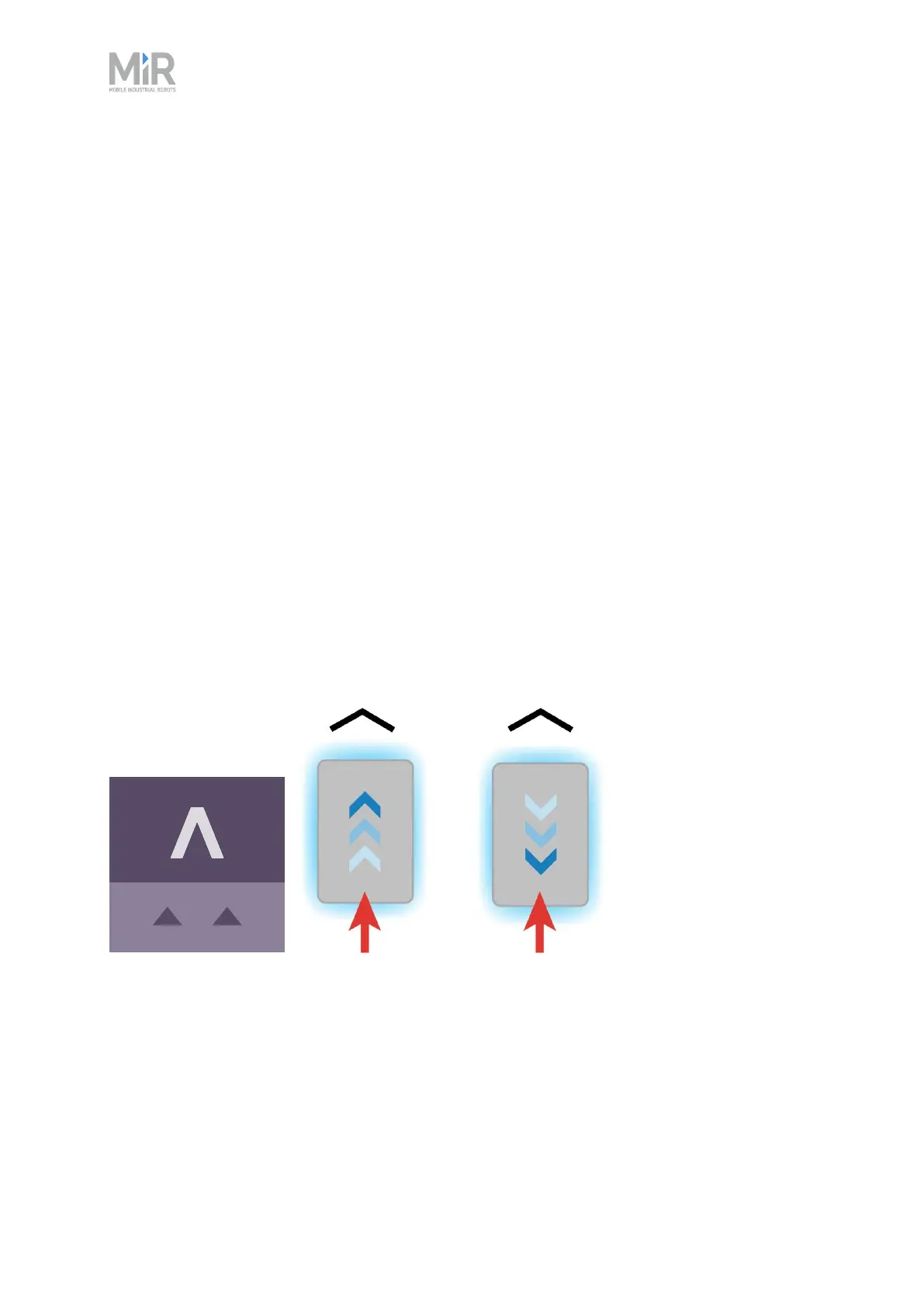
Figure 12.16 The icon used for V-markers in the interface and an illustration of how robots can dock to the
marker.
A VL-marker is a larger marker that enables the robot to dock more accurately than V-markers. It
consists of a V-marker with a 350 mm plate attached to the right of the V shape. Like V-markers,
VL-markers are also designed for the robot to either dock to so its front or its rear is facing the
marker. The robot must dock straight toward the inside of the V.



 To Next Page