Chapter 5: Installation
Installing the USB Security Key and Inter-Tel Memory Card
Inter-Tel
®
5000 Installation Manual – Issue 2.4, May 2008 Page 5-19
Installing the USB Security Key and Inter-Tel Memory Card
Locate the security key and compact flash-type Inter-Tel memory card that came with the
system. The memory card contains system software files and the applications necessary to
operate the system. There are no application licenses on the security key; the key indicates that
the system is able to download the corresponding license it needs to operate. For additional
information about the USB security key and Inter-Tel memory card, see the Specifications and
Product Description chapters.
To install the USB security key and Inter-Tel memory card:
1. Using the illustration on the next page as a guide, insert the USB security key in the USB
port labeled “KEY.” Write down the key number (for example, on a sticker you can place
above the key location on the chassis).
The security key has changed. Newer keys (part number: 841.0892) are shorter than the
previous security key (part number: 841.0219). Table 5-2 details the differences and
compatibilities of the keys with the Inter-Tel 5000 chassis.
NOTICE
Possible Memory Card Corruption: By adhering to the following precautions you can help
prevent corruption of data on the Inter-Tel memory card:
• Do not remove or install the Inter-Tel memory card while the system is up and running or
power is otherwise supplied to the Inter-Tel 5000 Base Server chassis, as this may
damage the memory card. Shut down the system using the LCD panel and unplug the
power cord before removing or inserting the memory card.
• Using any compact flash-type memory card other than one provided by Inter-Tel is not
supported.
• Do not place the Inter-Tel memory card into any other PC. Doing so may corrupt the file
system and software.
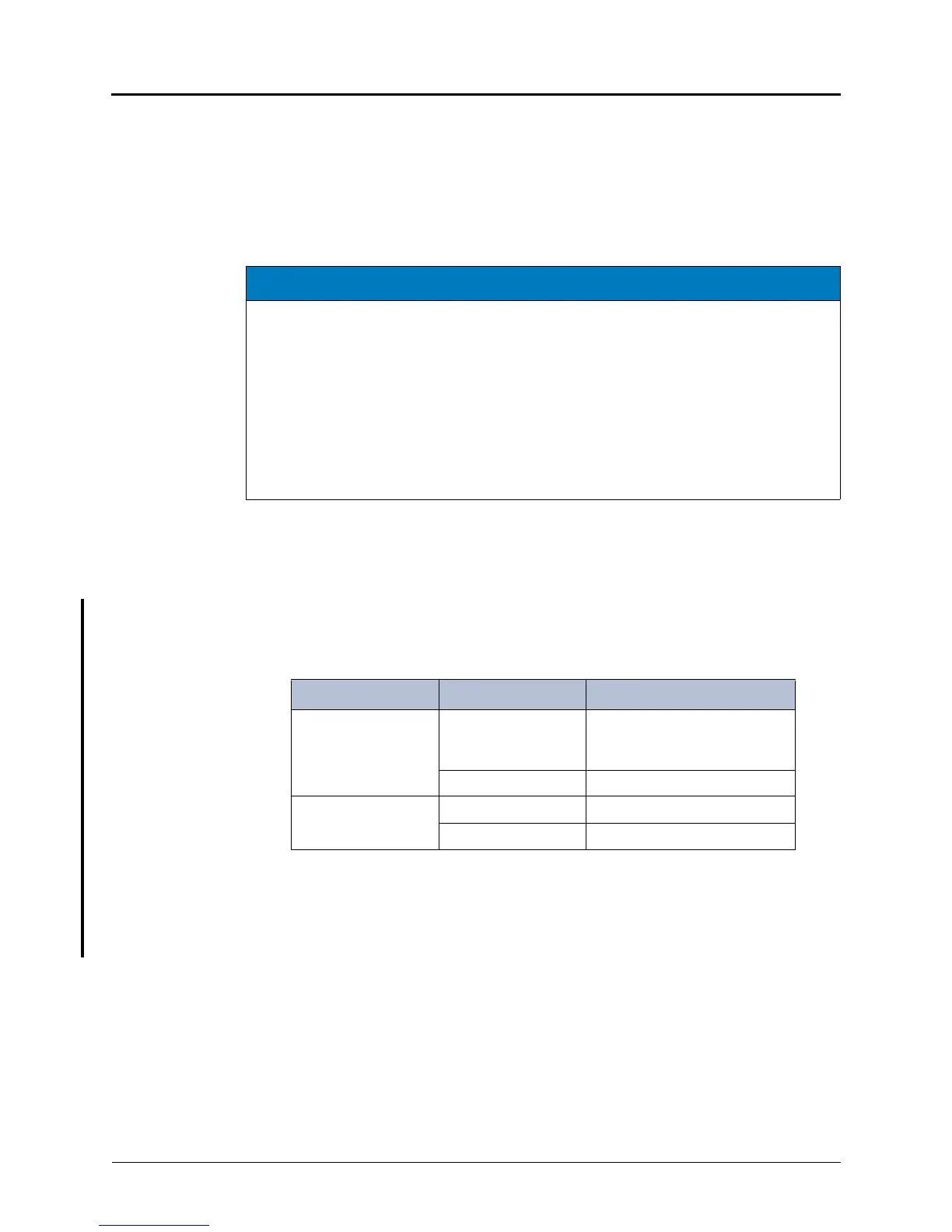
Table 5-2. USB Security Key Port Compatibility
USB Security Key Chassis Compatibility
New key
a
a. Part number: 841.0892
Existing chassis
b
b. Recessed USB port labeled “KEY”
Insert new key into a non-
recessed port (USB-A). Do not
insert into port labeled KEY.
Newer chassis
c
c. No recessed USB ports.
Insert into any USB port.
Existing key
d
d. Part number: 841.0219
Existing chassis Insert into port labeled KEY.
Newer chassis Insert into any USB port.



 To Next Page