Appendix B: Network IP Topology
Configuring Near-End NAT Traversal for IP Endpoints
Inter-Tel
®
5000 Installation Manual – Issue 2.4, May 2008 Page B-13
Configuring Near-End NAT Traversal for IP Endpoints
The Inter-Tel CS-5200/5400/5600 supports traversing near-end NAT using statically assigned
NAT addresses. An administrator configures the NAT device to always associate a specific
public address with the Inter-Tel CS-5200/5400/5600 native address. This is also known as “Full
Cone NAT.” The Inter-Tel CS-5400 has two IP addresses, so it requires two static NAT
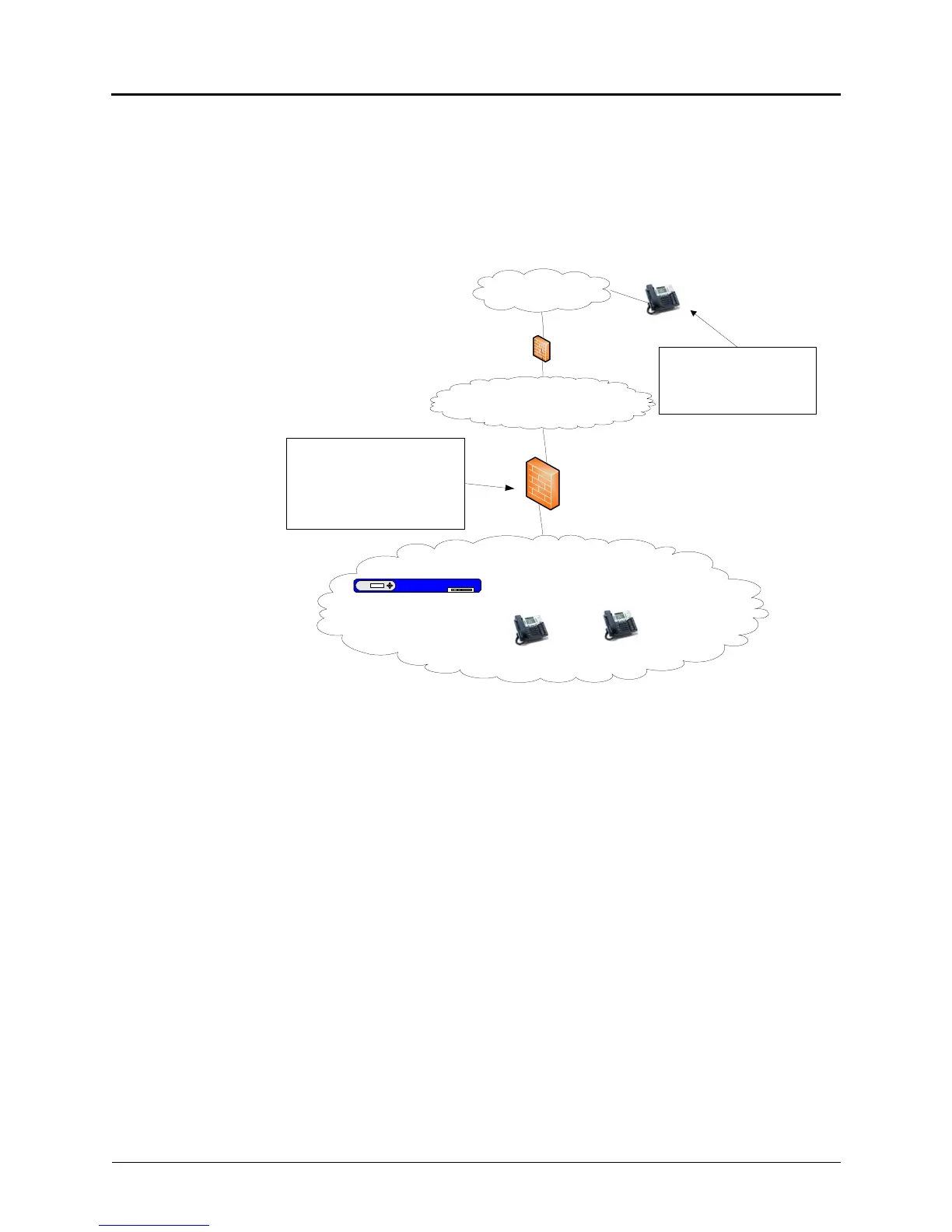
assignments. The static NAT assignment and the IP endpoint configuration are illustrated below.
Internet
Office
Firewall/NAT
Site A
(Private Addresses)
IP Endpoint
(Private Address)
Inter-Tel CS-5x00
192.168.1.17
(Private Address)
IP Endpoint
(Private Address)
Home Office LAN
Home Office
Router (for
example,
Linksys)
Configure the NAT device to perform
a static NAT assignment so that a
designated public IP address (for
example , 208.132.33.66) always
corresponds to the Inter -Tel CS-5x00
private address (for example ,
192.168.1.17).
The IP endpoint must be
configured to “talk” to the (public)
NAT IP address of the Inter -Tel
CS-5x00 (for example,
208.132.33.66).
IP Endpoint
(Private Address)



 To Next Page