Chapter 4: Specifications
PS-1 BIOS Settings
Page 4-32 Inter-Tel
®
5000 Installation Manual – Issue 2.4, May 2008
PS-1 BIOS Settings
The Basic Input/Output System (BIOS) settings of the PC in the PS-1 chassis have been
customized to control specifically the way Inter-Tel CS-5600 software interacts with system
hardware. Because the default BIOS settings have been modified to allow the system to
operate, the BIOS settings must remain as they came from the factory.
PS-1 Connection Interfaces
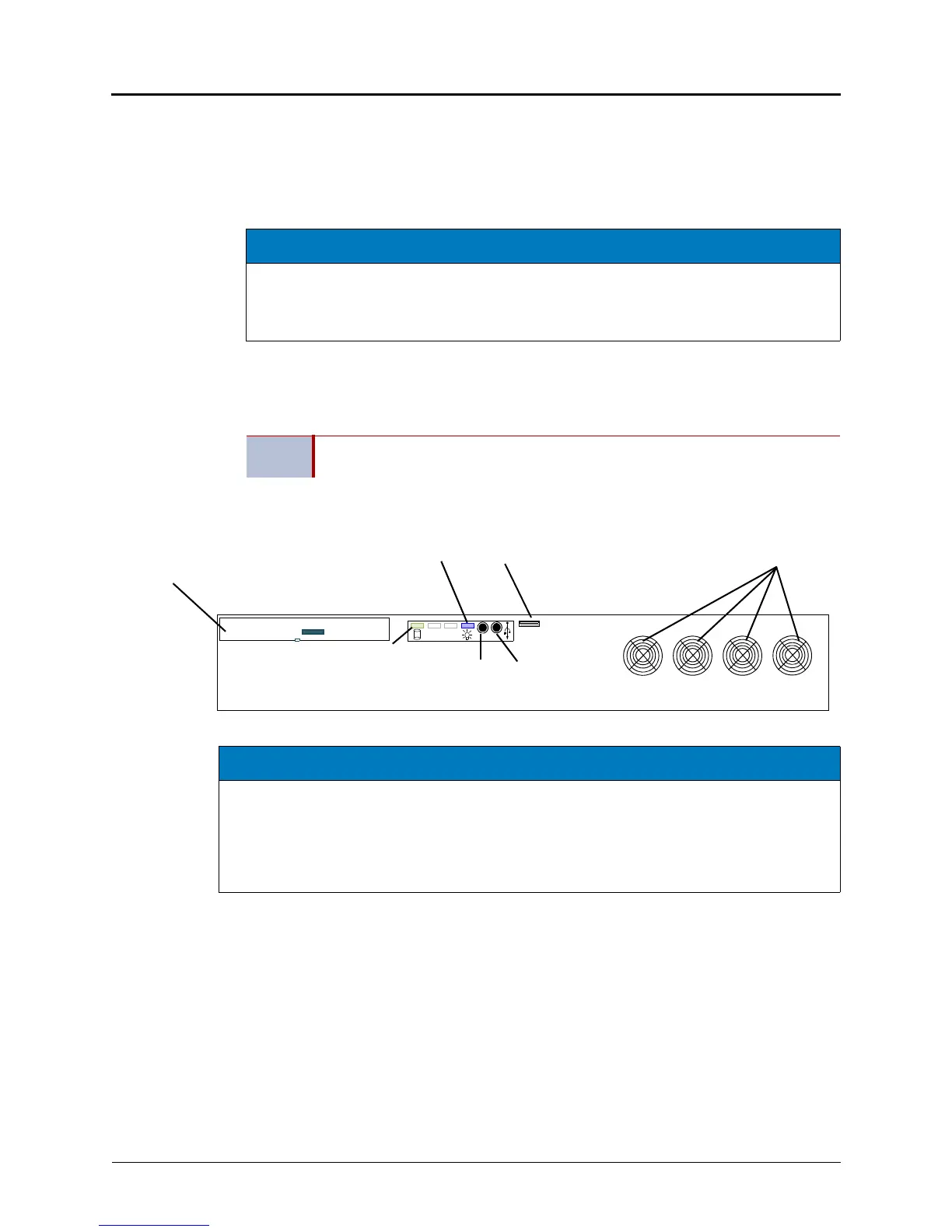
This section provides line drawings of the front and rear views of the PS-1 chassis.
Figure 4-1. Processing Server (PS-1) Chassis, Front View Without Cover
NOTICE
Incorrect or Defaulted BIOS Settings Will Make System Inoperable. If for any reason the
BIOS settings of the PS-1 are defaulted or changed from the way they were shipped from the
factory, contact Inter-Tel Product Support to receive instructions for correctly reprogramming
the BIOS.
NOTE
The On/Off switch on the front of the chassis controls power to the system, and it
should remain On at all times.
DVD
Compact Disk (CD) drive tray
(Use for initial installation
USB Port
and for system recovery)
+
On/Off
Switch
Power
Green LED
indicates
Active
Hard Drive
Blue LED
indicates
Power On
Fans
Reset
Button
System
(Use for USB Security Key
ONLY if cover is open
or not attached.
See Rear View.)
NOTICE
Accidental System Reset. Do not mount the PS-1 in a rack directly above the Base Server. If
you do, pulling down the front cover (not shown) of the PS-1 may cause the edge of the cover to
press the three middle buttons on the LCD panel controls, causing the system to reset. If you
mount the PS-1 in the same rack as the Base Server, make sure the hinged front cover of the
does not open onto the front of the Base Server. Inter-Tel recommends mounting the PS-1 below
or away from the Base Server and Digital Expansion Interface (DEI) units.



 To Next Page