Chapter 5: Installation
Upgrading System Memory
Page 5-144 Inter-Tel
®
5000 Installation Manual – Issue 2.4, May 2008
Upgrading System Memory
Inter-Tel memory cards are available in 256 MB, 512 MB, and 1 GB capacities. For additional
information about Basic Voice Mail storage capacities, see the Specifications chapter. For
database and voice processing data information, refer to the Inter-Tel 5000 Features and
Programming Guide (part no: 580.8006).
To upgrade the Inter-Tel memory card:
1. Schedule this upgrade at a time that will have the least impact on the customer.
2. Access the Administrative Web Session pages and do the following:
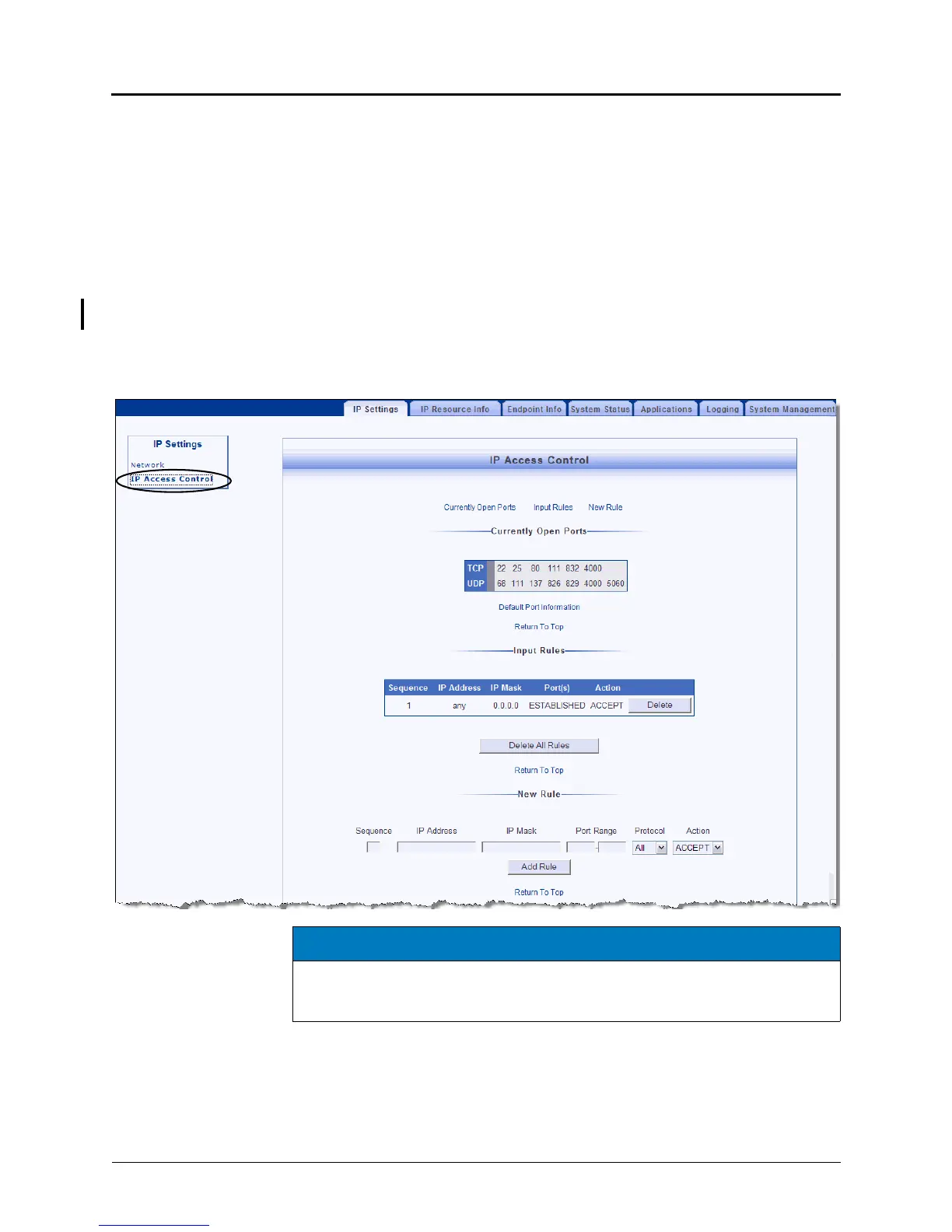
a. Click the Advanced View link at the top of the window, and then navigate to the IP
Settings tab. Click the IP Access Control link in the navigation bar.
b. Print this page. If any rules are listed here, you will need to recreate them after
installing the new memory card. An example IP Access Control page appears on the
next page. (See the notice that follows.)
3. Perform a database backup. For details, see page 5-96.
4. Perform a voice processor backup. For details, see page 5-91.
5. Power down the system and unplug the power cord. For details, see page 5-87.
NOTICE
System Inoperability. Providing rules in the wrong sequence or constructed of the
wrong content, could deny you access to the system through the Administrative Web
Session or through DB Programming.



 To Next Page