Chapter 5: Installation
Restoring the Database
Page 5-94 Inter-Tel
®
5000 Installation Manual – Issue 2.4, May 2008
Restoring the Database
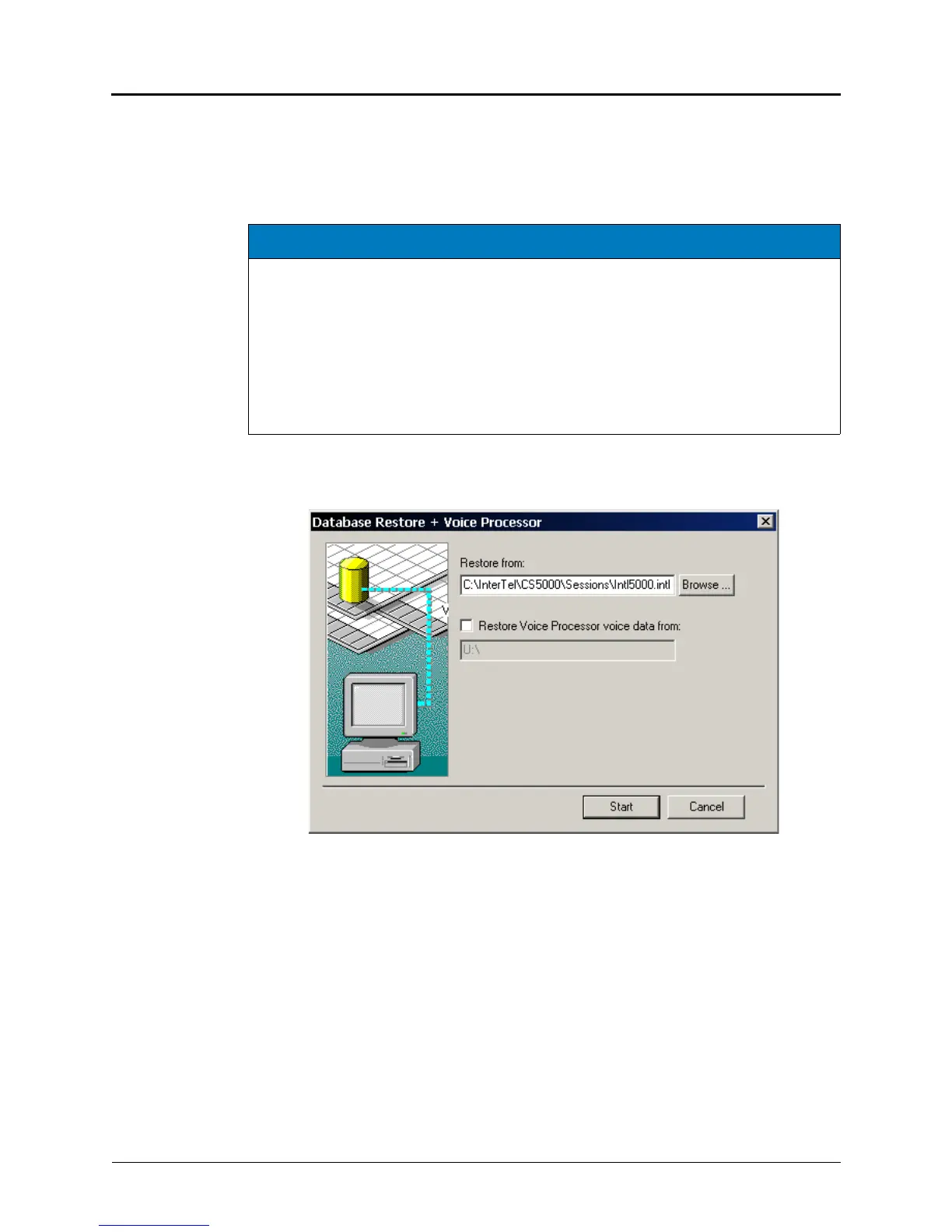
From the DB Studio menu bar, select Operations – Database Operations – Database Restore
to open the window shown below. It allows you to restore the database to disk during a
programming session.
• Restore From: Enter the name of the file where the database was saved on this PC, or,
select Browse to locate the file. The default directory is
C:\InterTel\CS5000\Sessions\Intl5000.intl.
If also restoring voice processor information, check the box Restore Voice Processor
voice data from and provide the drive and path. The default drive and path is U:\, and
the USB flash drive containing the voice data must be attached to the front of the Inter-Tel
5000 Base Server before beginning the restore process. If restoring voice date from an
external voice processing system, provide the path (for example, A:\) and provide the
floppy disks or drive location on which the voice data was saved, when prompted.
• Start: To begin the operation, select Start. When the operation is finished, the
programming session automatically closes. Give the system a few moments after the
programming session ends before restarting another session. This delay before restarting
allows all applications to completely shut down.
NOTICES
Consider the following technical consequences when using a modem connection:
• Possible Database Corruption. Poor line quality may cause data transmission
problems when the modem connection exceeds 19200 baud. For this reason, Inter-Tel
recommends not using the modem to restore the database. If you attempt a restore
using the modem, the database may become corrupt.
• Possible Modem Reconfiguration. If the Database Restore feature is used during a
remote programming session, all calls are disconnected except the modem connection.
Before restoring the database, make sure the modem connection will not be
reconfigured during the restoration.



 To Next Page