Chapter 1: Inter-Tel 5000 v2.4 New Features
Onboard TFTP Server Files
Inter-Tel
®
5000 Installation Manual – Issue 2.4, May 2008 Page 1-9
From this page, you can do the following:
• View the contents of the configuration (.cfg) files by clicking a configuration file name to
view its contents in a read-only view.
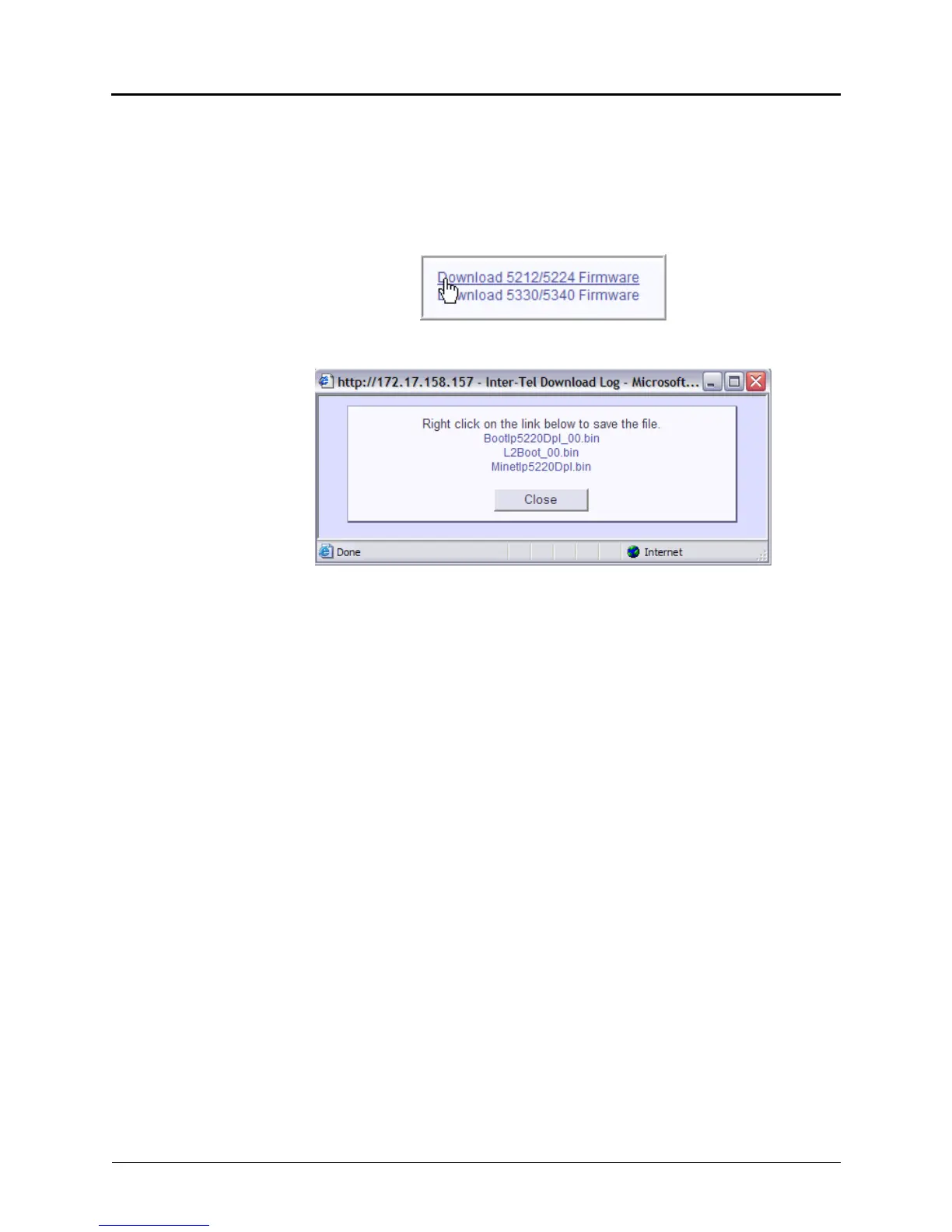
• Download the Mitel endpoint firmware (Models 5212/5224 and 5330/5340), see below.
To download the Mitel endpoint firmware:
1. Click the Download 5212/5224 Firmware or the Download 5330/5440 Firmware link.
2. An Internet Explorer window opens showing three .bin files.
3. Right click the .bin file, and then select Save Target As.
4. Select or type a path to save the file, and then click Save. The file is saved.
5. In the Download Complete dialog box, click Close.



 To Next Page