Appendix A: Inter-Tel Private Networking
IP Resource Programming
Inter-Tel
®
5000 Installation Manual – Issue 2.4, May 2008 Page A-13
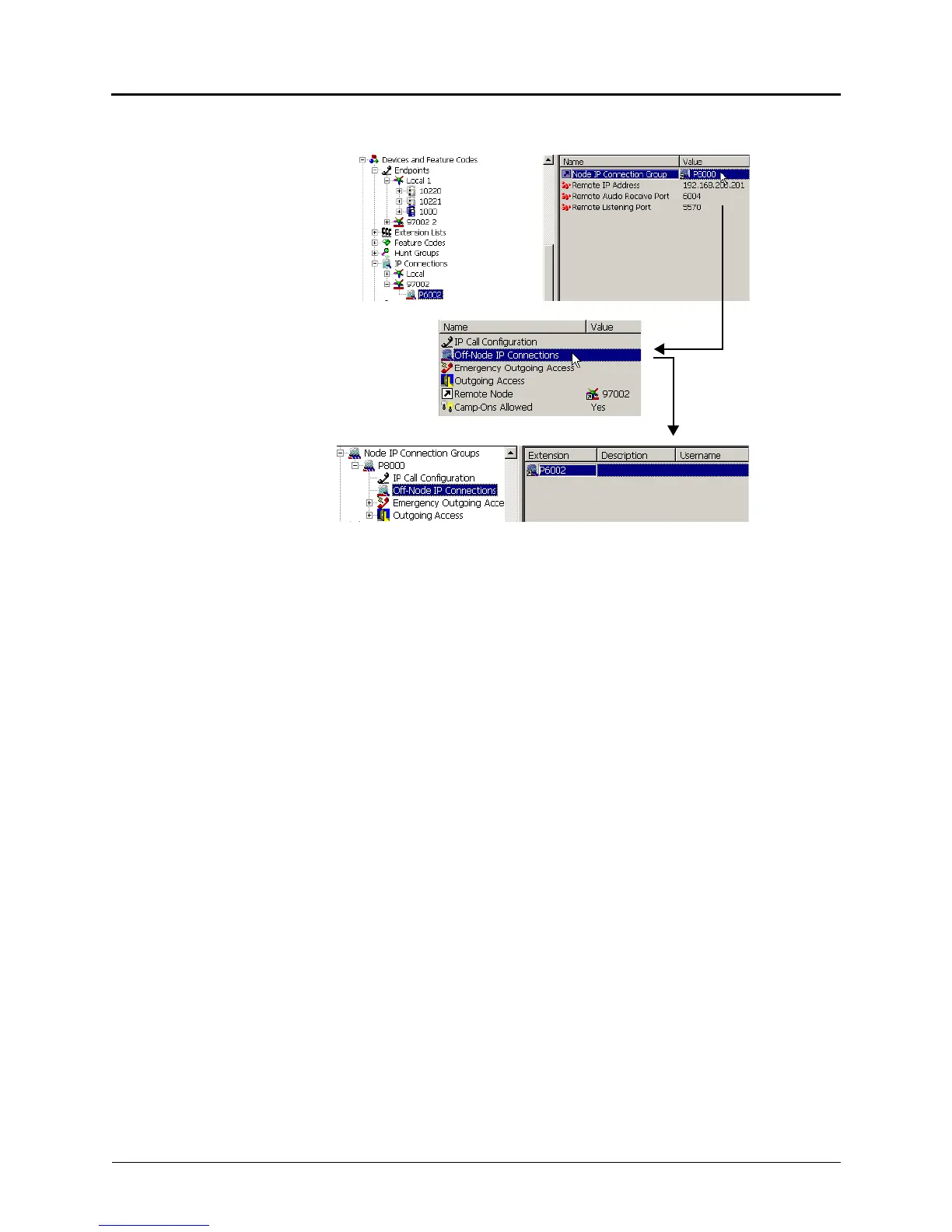
7. Verify that the remote IP connection is located under the Node IP Connection Group
folder.
a. Double-click the remote node extension under System\Devices and Feature
Codes\IP Connections. There should be a P8XXX extension listed under the Node IP
Connection Groups field.
b. Double-click the P8XXX extension to access the folder for that node IP connection
group.
c. Double-click the Off-Node IP Connections field to display the remote nodes
programmed for that IP connection group.



 To Next Page