Sending Original Data as an E-mail Attachment (Scan to E-mail) 2-4
2.2 Preparation for Scan to E-mail (for the Administrators)
2
2.2.2 Operations Required to Use This Function
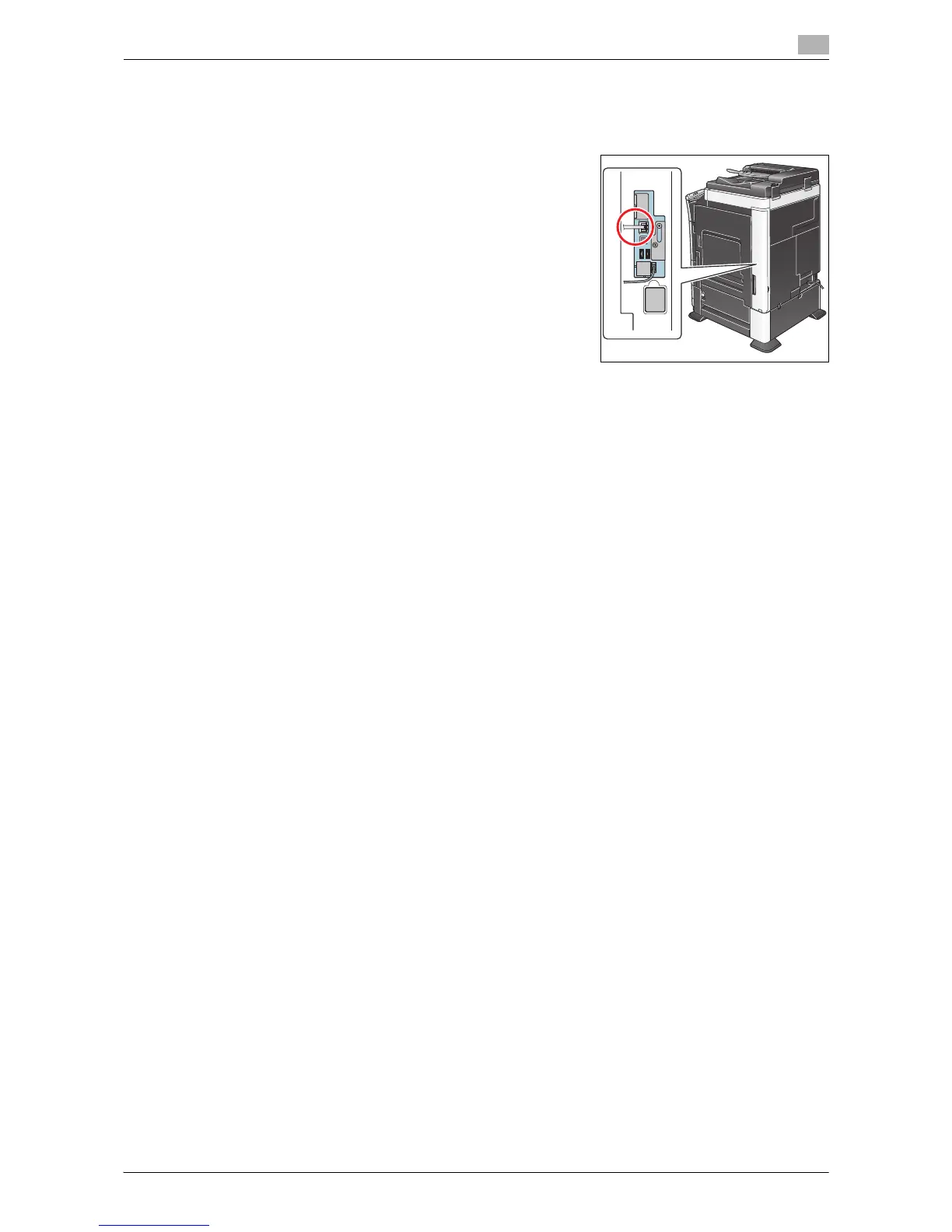
Checking a LAN cable for connection
Check that a LAN cable is connected to the LAN port of this ma-
chine via the network.
Checking the network settings
Ensure that this machine has an IP address assigned to it. Tap [Utility] - [Device Information], and check that
an IP address is displayed.
d Reference
If no IP address is displayed, you need to set up the network. For details, refer to "User's Guide [Web Man-
agement Tool]/[Operations Required to Use Web Connection]".
Configuring the environment to use the Scan to E-mail function
Register the E-mail server address and administrator's E-mail address required for Scan to E-mail.
The registration process is explained using Web Connection. For details, refer to "User's Guide [Web Man-
agement Tool]/[Configuring the Scan Environment]".
2.2.3 Option Settings
Registering a frequently used destination
Registering a frequently used E-mail address to this machine as a destination will save you the trouble of en-
tering it each time you send an e-mail.
For details on how to register, refer to page 10-2.
Using an LDAP server to specify addresses
When an LDAP server or Active Directory is used for user management, an E-mail address can be searched
or specified via the server. To use the LDAP server to specify a destination, you must register the server on
this machine.
The registration process is explained using Web Connection. For details, refer to "User's Guide [Web Man-
agement Tool]/[Configuring the Scan Environment]".
d Reference
For details on how to search using the LDAP server, refer to page 1-16.
Registering the subject and message text of an E-mail to be sent
The default subject name and message text are automatically inserted into an E-mail. Pre-register multiple
preset text for the subject and fixed message text phrase of an E-mail; you can use them depending on des-
tinations.
For details on how to register, refer to page 12-8.



 To Next Page
 Loading...




