Chapter 5 Ion Measurement (F-53,55)
5.5 Check Display
F-52, 53, 54, 55 89
5.5 Check Display
You can display the latest check result and calibration date for ion measurement.
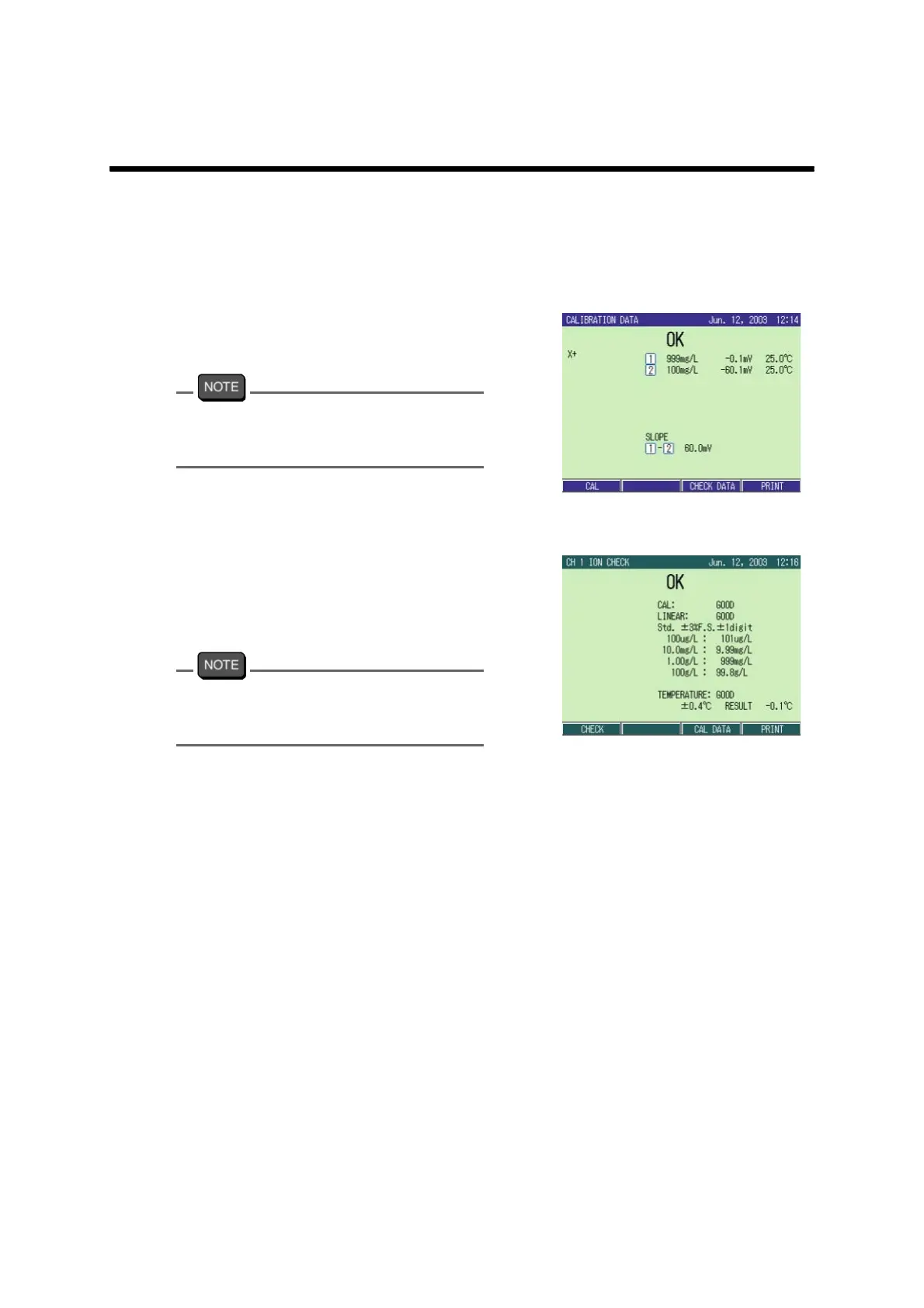
Ion calibration check display
1. In the CAL screen, press F3 (CAL
DATA).
The CALBRATION DATA screen
appears.
When the printer is connected, the function
display of F4 shows “PRINT.”
Pressing F4 (PRINT) prints the check data.
Check data display
1. In ION CHECK screen, press F3
(CHECK DATA).
The data is displayed.
When the printer is connected, the function
display of F4 shows “PRINT.”
Pressing F4 (PRINT) prints the check data.



 To Next Page