Chapter 1 Overview
1.4 Keys and Display
F-52, 53, 54, 55 9
1.4 Keys and Display
1.4.1 Control Keys
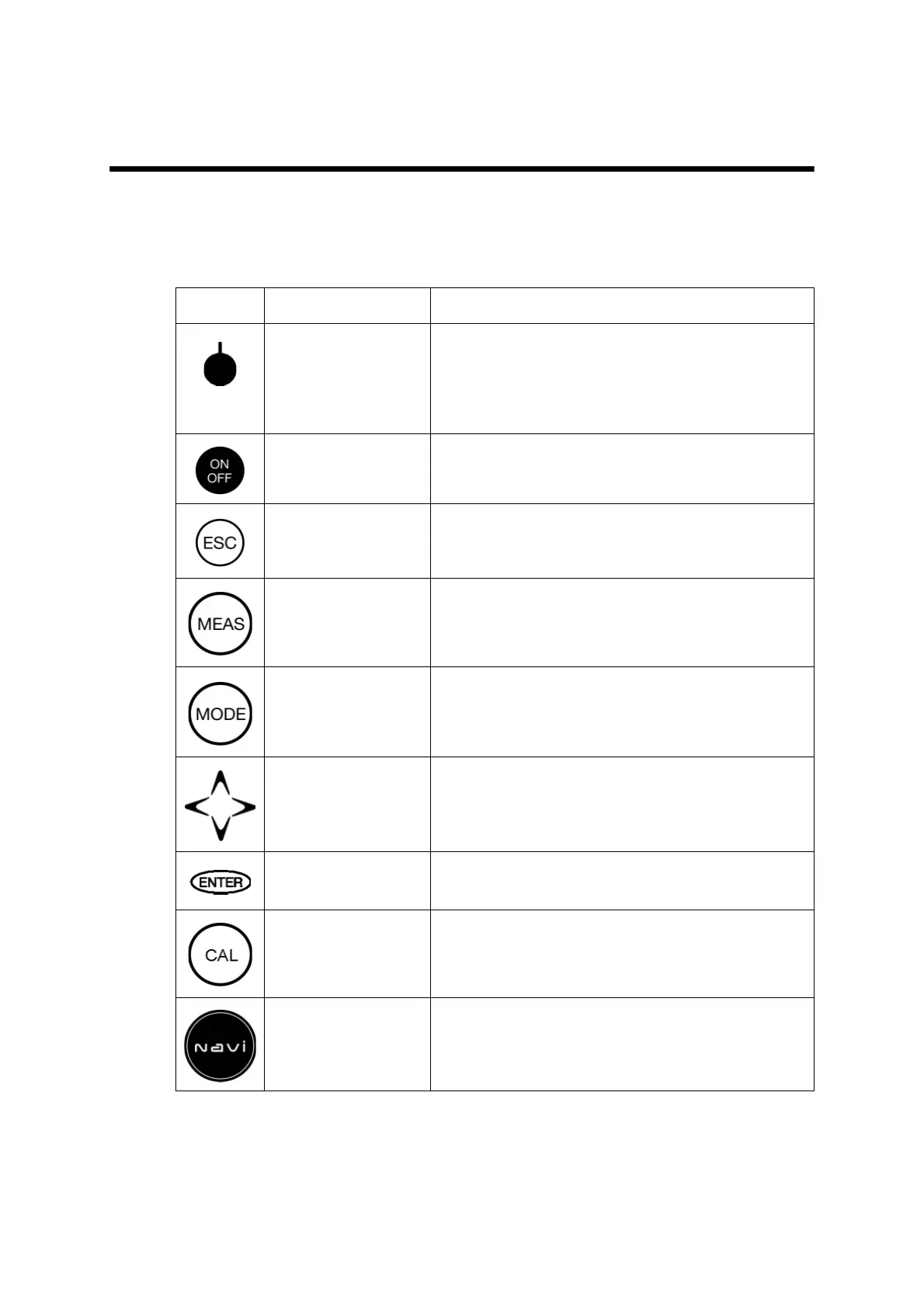
Key Name Description
Function key Allows selecting a function mode on the screen.
From the left, F1, F2, F3, and F4 keys are
arranged.
The displayed function on each function key is
available.
ON/OFF key Switches the operator.
Turns ON or OFF the power.
ESC key Cancels the operation or the setting.
MEAS key Starts the measurement when returning to the
MEASUREMENT mode.
MODE key Toggles the measurement modes.
CURSOR key Increases or decreases the numeric values.
Used for the setting change.
ENTER key Assures the set values after the setting.
CAL key Starts calibration or calibration mode.
NAVI key Displays the operation guide (Navi).



 To Next Page