Chapter 5 Ion Measurement (F-53,55)
5.4 Changing Measurement SETUP Conditions
F-52, 53, 54, 55 81
5.4 Changing Measurement SETUP Conditions
The various measurement conditions can be changed.
For F-53 (and only for F-53), the ION SETUP
is available for each CH.
1. In the ION Measurement screen,
press F1 (ION SETUP).
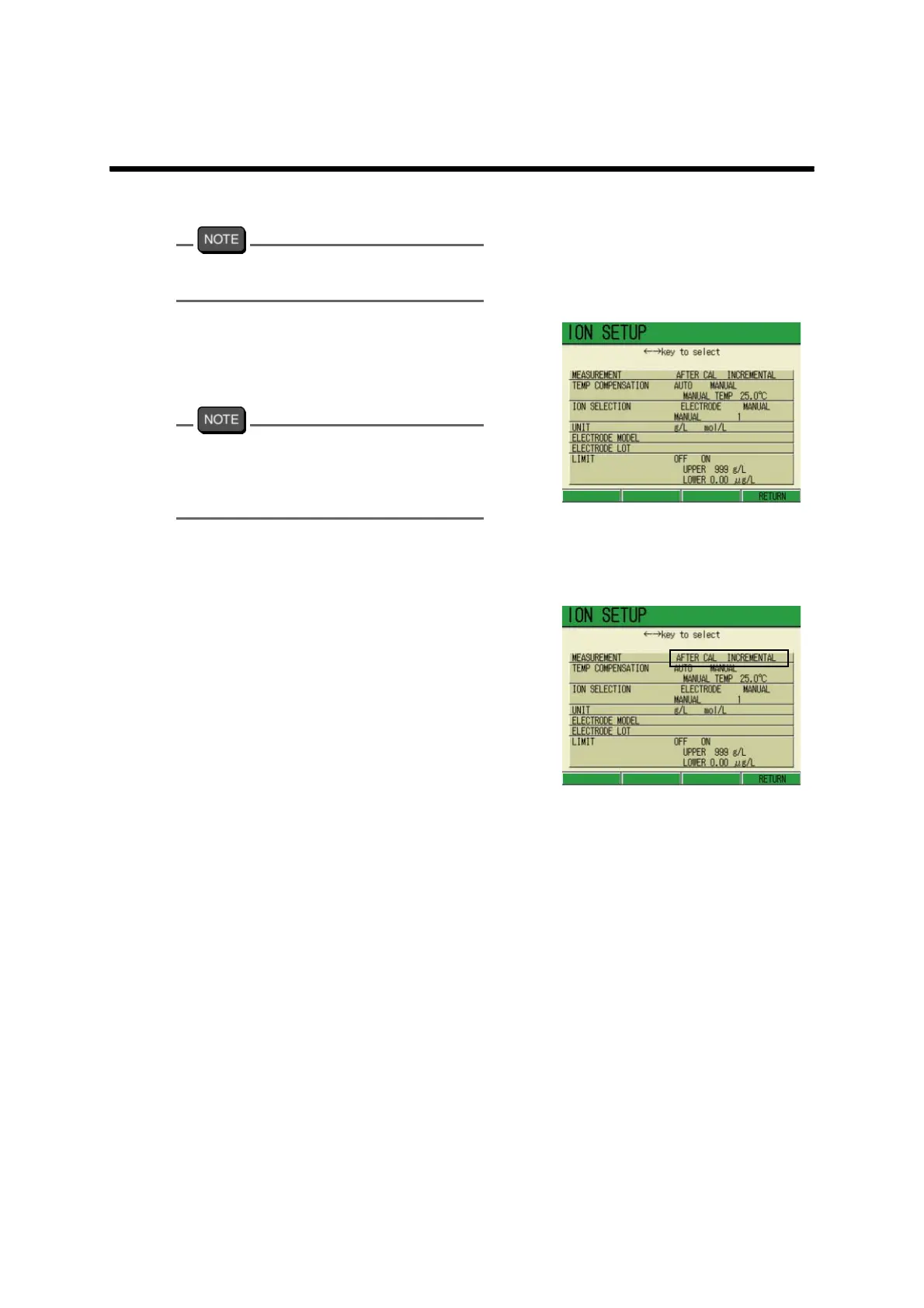
The ION SETUP screen appears.
When there is no need to change the
conditions, press either the ESC key or the
MEAS key. The screen returns to the ION
Measurement screen.
● Measurement
1. In the ION SETUP screen, press
↑ or ↓ key and select the MEA
-
SUREMENT option.
2. Press ← or → key and select
either AFTER CAL or INCREMEN
-
TAL.
3. Press F4 (RETURN).
Selecting the AFTER CAL option
returns to the Measurement screen.
Selecting the INCREMENTAL option
displays the further setting screen.



 To Next Page