Chapter 3 pH MEASUREMENT
3.5 Check/Calibration Data Display
56 HORIBA
3.5 Check/Calibration Data Display
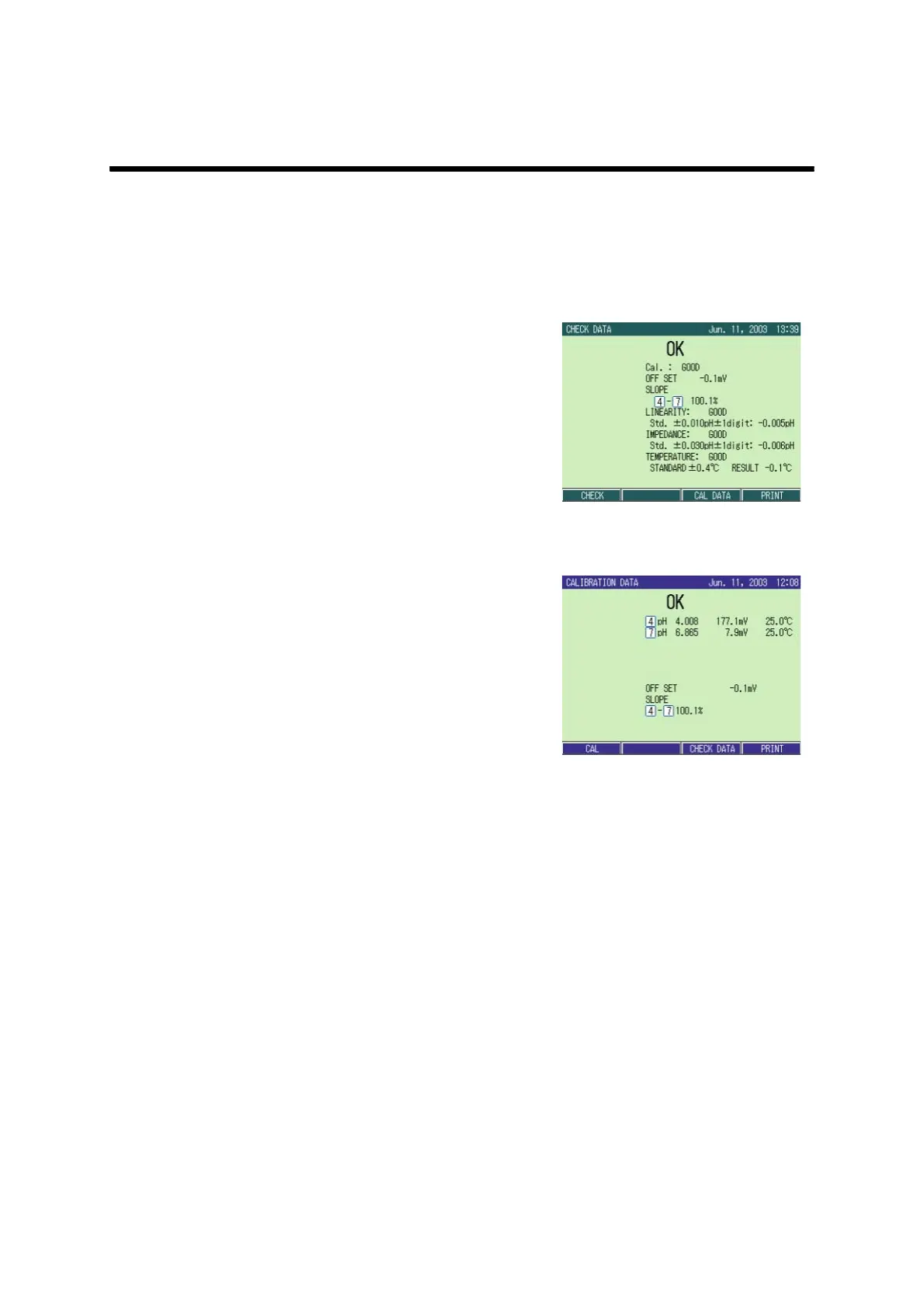
In Check/Calibration Data Display function, the latest data (for one time calibration) is dis-
played.
With a printer connected, “Print” is displayed at the field of F4. Pressing F4 (PRINT) prints
out the displayed information.
● Check data display
1. In the CHECK screen, press
F3(CHECK DATA).
The CHECK DATA screen appears.
● Calibration data display
1. In the pH CAL screen, press
F3(CAL DATA).
The CALIBRATION DATA screen
appears.



 To Next Page