Chapter 11 METER SETTING
11.3 Date setting
138 HORIBA
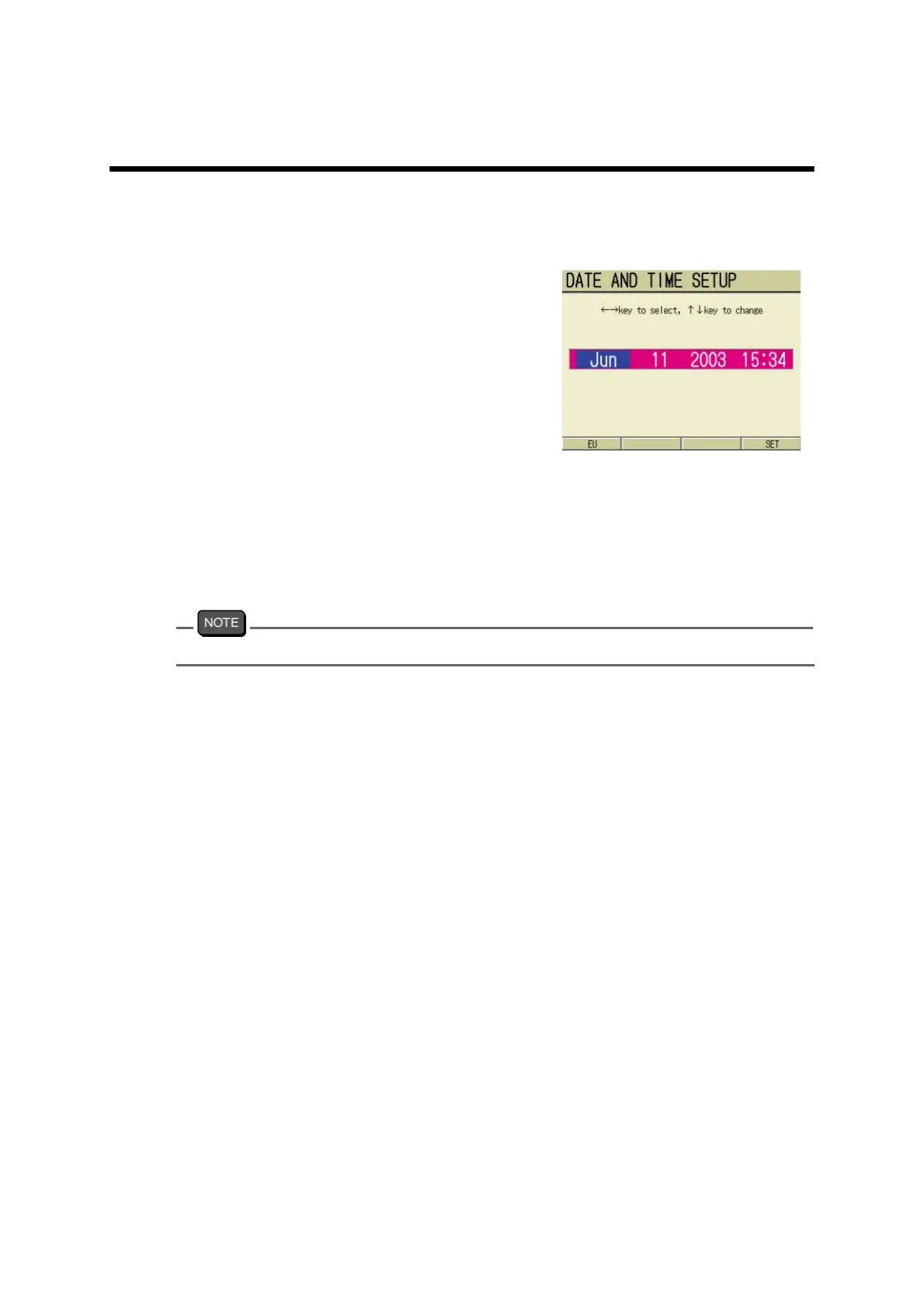
11.3 Date setting
The time, date, and year for the clock incor-
porated in the system can be set.
1. In the SETUP screen, press ↑ or
↓ key and select the DATE AND
TIME SETUP option.
2. Press the ENTER key.
The DATE AND TIME SETUP
screen appears.
3. Press ← or → key and select the
appropriate year, date, and time.
4. Press ↑ or ↓ key and give the
setting.
5. Press F4 (SET).
The setting is reflected, and the dis-
play returns to the SETUP screen.
To cancel the setting, press the ESC key. The display returns to the SETUP screen.



 To Next Page