Chapter 11 METER SETTING
11.2 System setup
F-52, 53, 54, 55 131
11.2 System setup
The setting configuration for the meter setup can be stored by each operator.
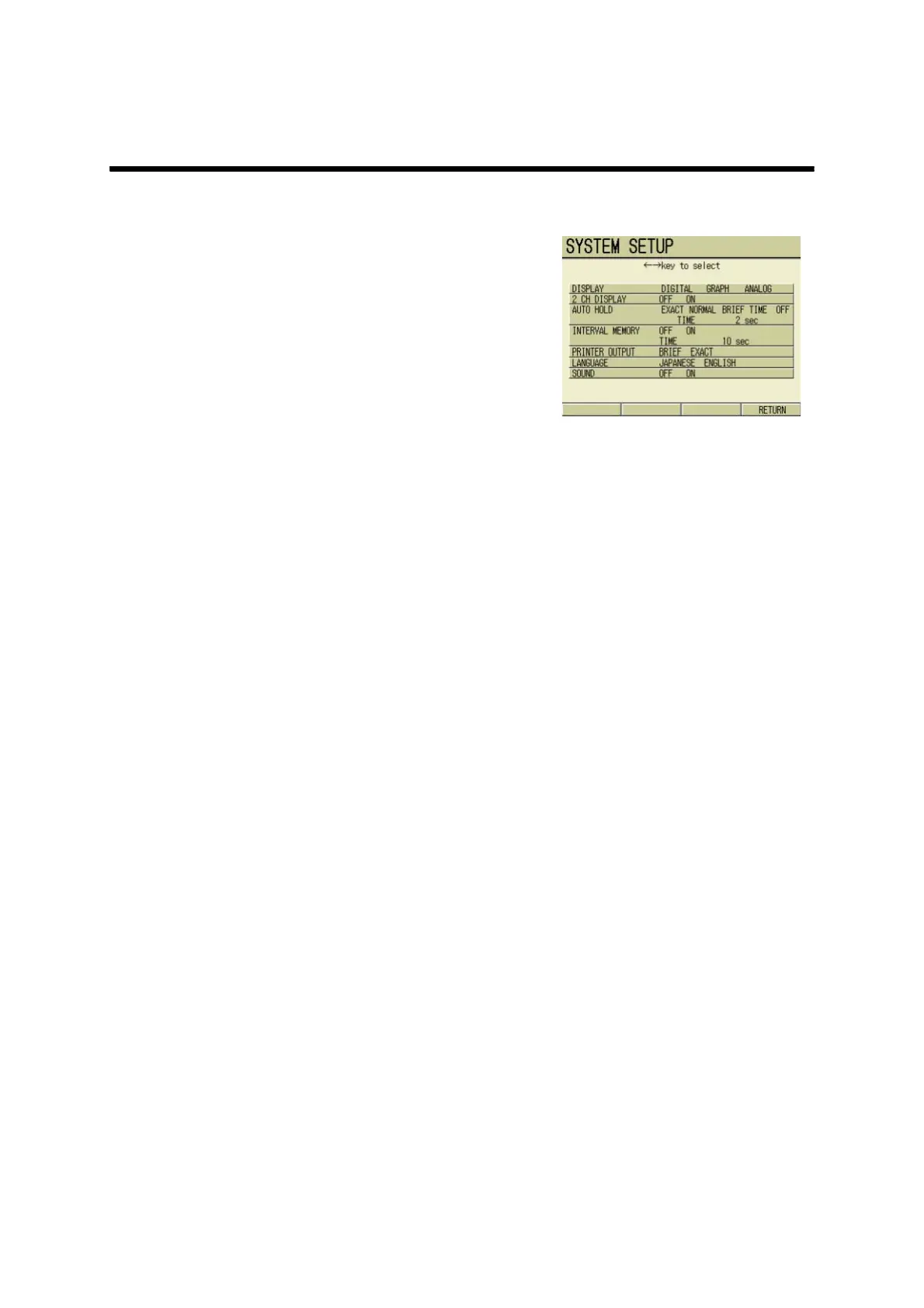
1. In the SETUP screen, press ↑ or
↓ key and select SYSTEM
SETUP option.
The SYSTEM SETUP screen appears.
11.2.1 Display pattern change
The display pattern of the Measurement
screen can be set.
1. In the SYSTEM SETUP screen, press ↑ or ↓ key and select DISPLAY option.
2. Press ← or → key and select the display pattern (DIGITAL/GRAPH/ANALOG).
3. Press F4 (RETURN).
The setting is reflected, and the display returns to the SETUP screen.



 To Next Page